

插件介绍
RikkaHub fork,Android AI 客户端。支持 ChatGPT 订阅登录使用、跨应用划词悬浮翻译、助手工作区文件隔离、远程云电脑控制、文档与 HTML 预览、可定制动态角色。
项目详情摘要
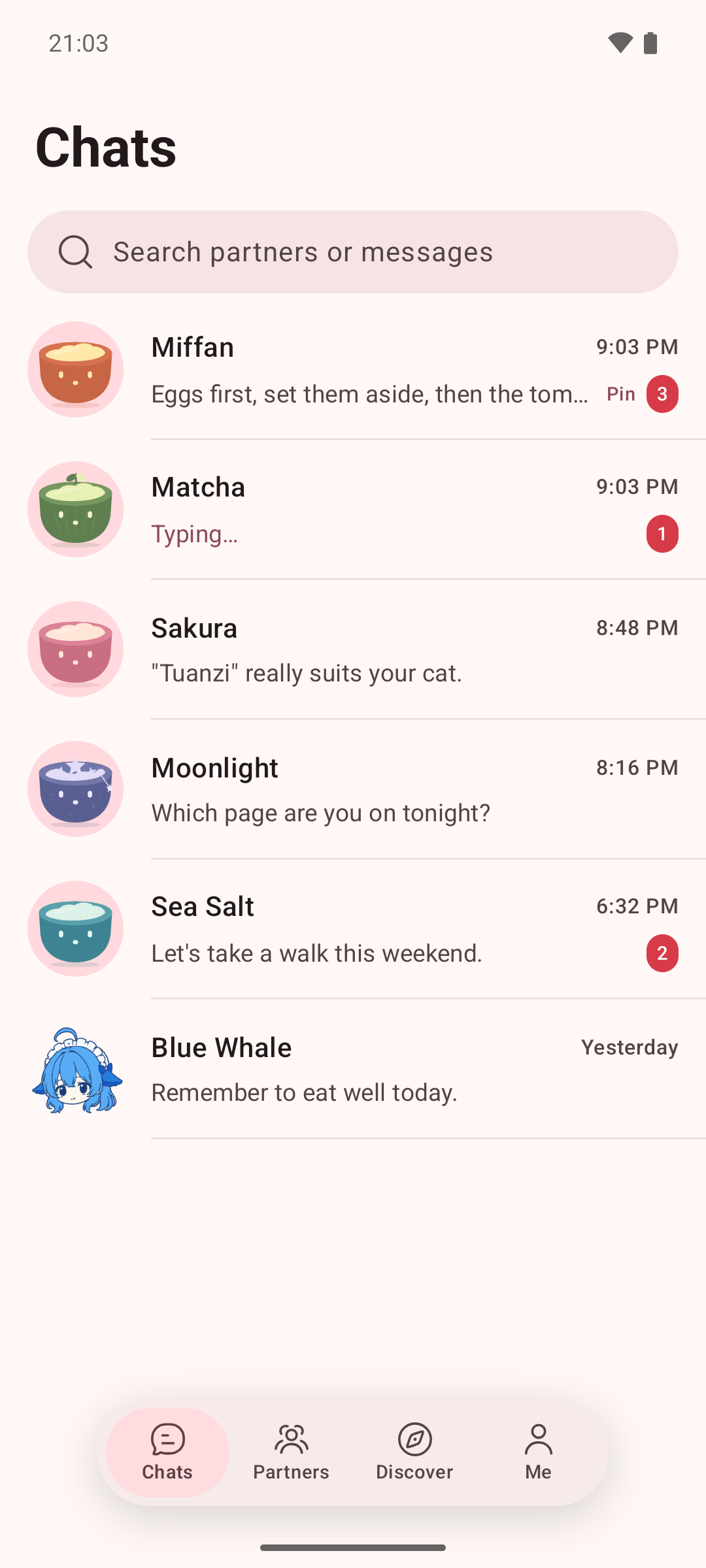
Miffan An Android AI app you talk to like a friend, and that can work on your computer. English · 简体中文 · 繁體中文 Bring the AI service you already use, whether that's an API key for an OpenAI-compatible, Gemini or Claude service, or a ChatGPT subscription through Codex sign-in. Miffan doesn't bundle a model. Your chats and settings stay on your phone. Chat like a messenger Each AI partner is one ongoing chat. There's nothing to start, no model to pick and nothing to tune. **One partner, one conversation.** Your history with a partner reads as one timeline across days. Behind the scenes Miffan keeps topics apart, so long chats stay quick and on point. **Ask several things at once.** Unrelated questions run in parallel, and each reply quotes the message it answers. **Change a partner by telling it.** "Keep your answers shorter" adjusts its preferences. Every change to a partner's settings or memory is linked to the message behind it, kept in a history and can be undone. **See what AI knows about you.** Each memory shows where it came from, and you can delete it at any time. Let your partner use your computer · new in 4.0 Connect a Mac or Linux desktop over SSH, including over Tailscale, and your partner can open apps, type and click on it while you watch from your phone. **One shared screen.** View and control the desktop from your phone. Touch the screen and you take over right away. **You stay in charge.** By default the partner asks before every action. Each approval is recorded in a permission history that stays even if you delete the chat. **Guided setup.** Easy chat walks you through connecting a computer, checking that it's ready and handing it to a partner. Watch it work Approve each step Connect in a few steps Supported desktops: macOS, Linux with wlroots-based Wayla
摘自项目公开 README,可能随上游仓库更新。安装方法
建议先在测试 Profile 中安装,并检查权限、安装脚本和依赖。
npx -p @deepseek-ai/dsh dsh plugin --profile web add github:Ayuilos/Miffan
使用前检查
- 确认项目符合 DSH bundle 规范,而不只是相关仓库。
- 阅读许可证和安装脚本,检查网络、文件及执行权限。
- 备份配置,并确保插件能够安全卸载或回滚。