插件介绍
Codex-style @file mentions for DeepSeek Harness: search workspace files in the composer and attach their path to prompts.
项目详情摘要
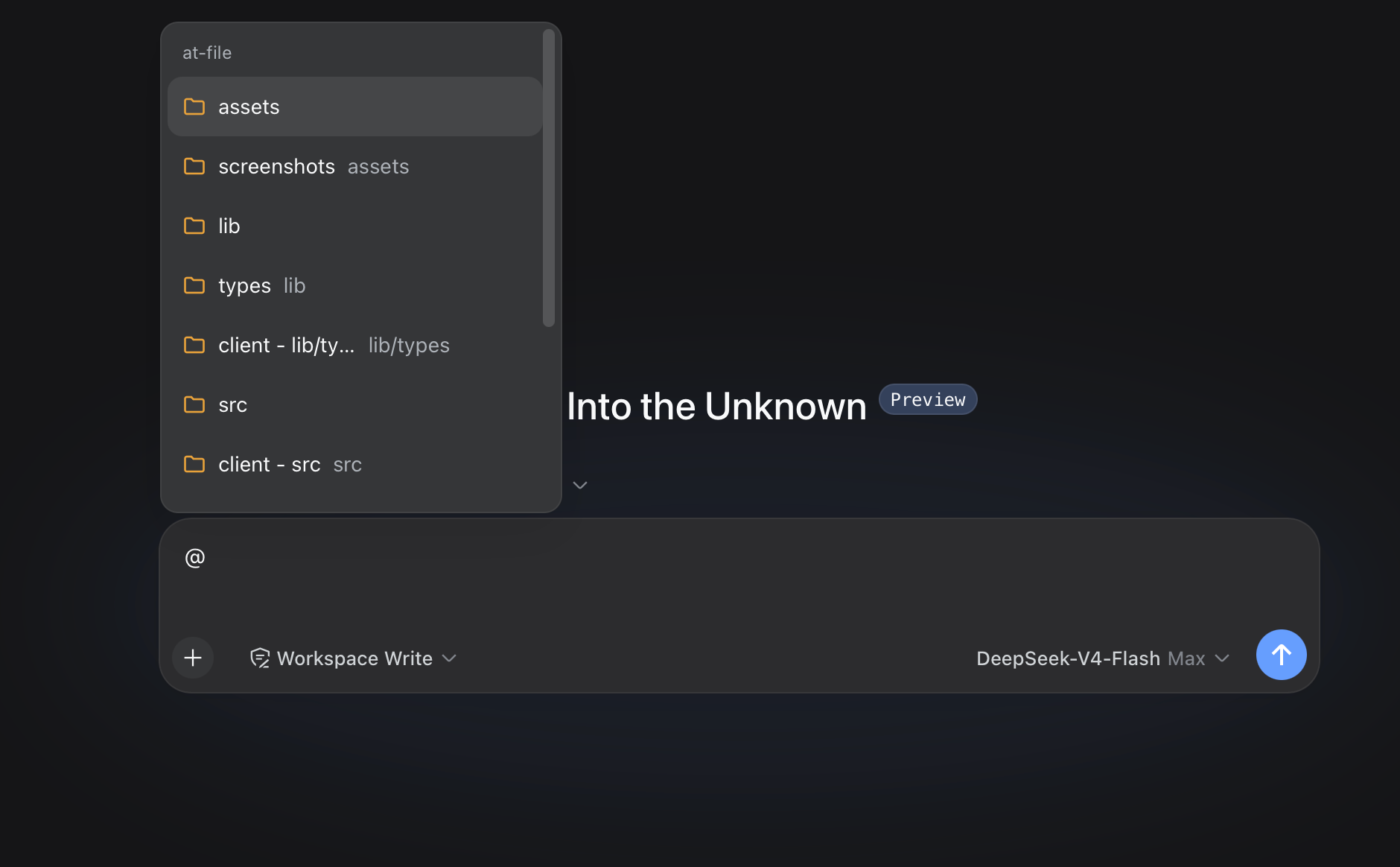
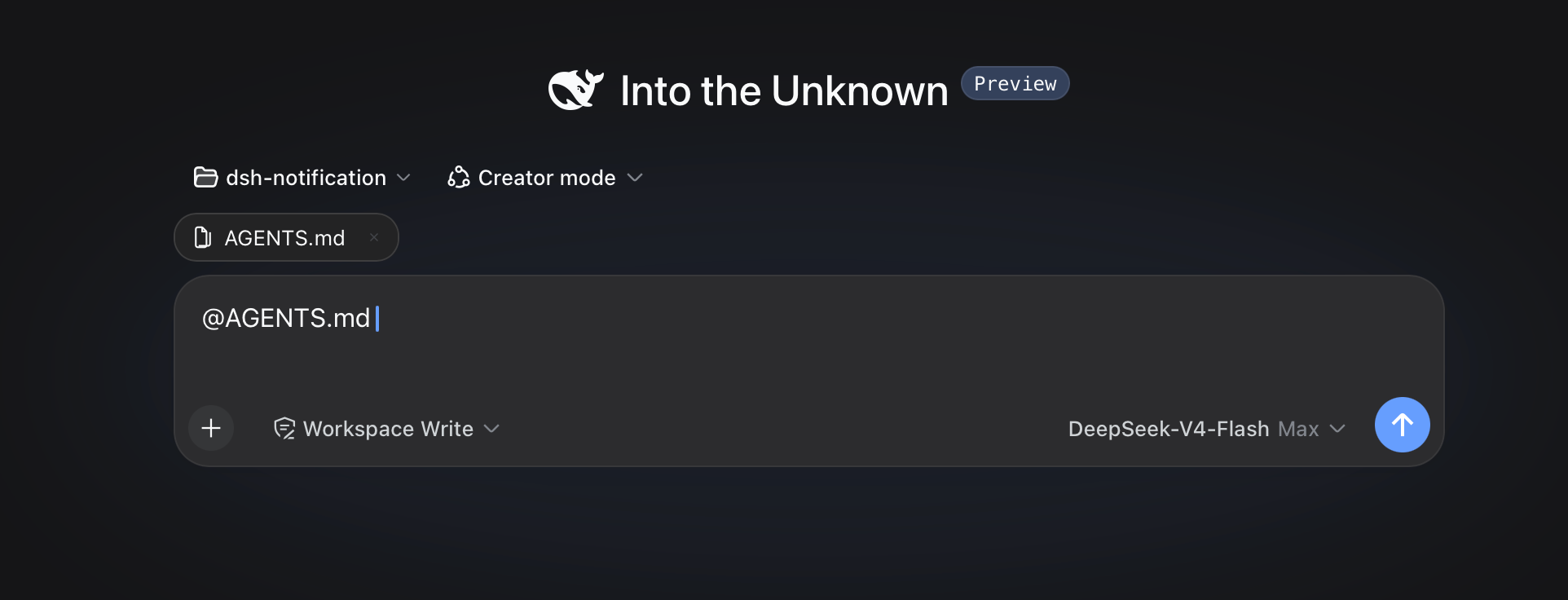
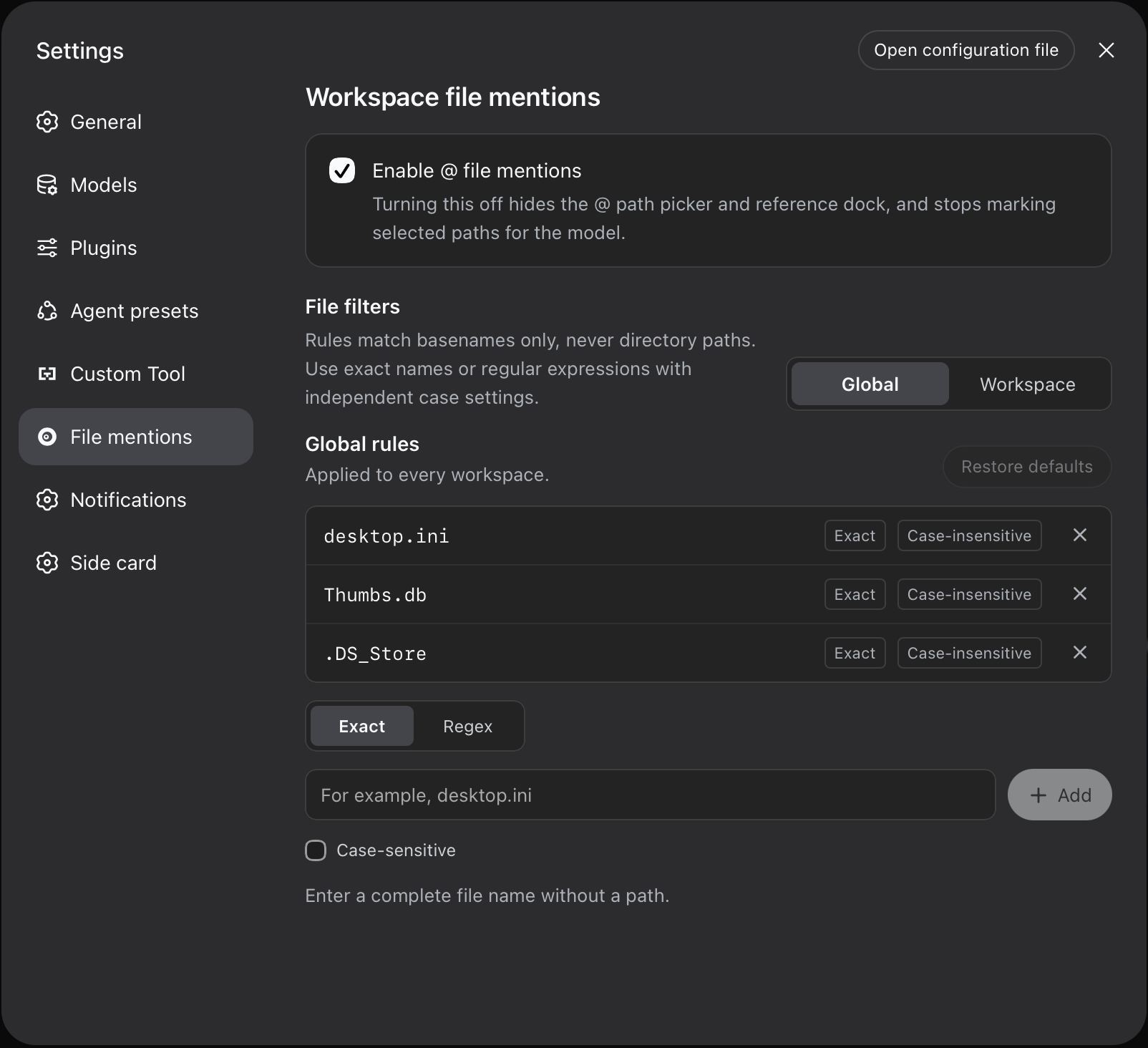
dsh-at-file [!IMPORTANT] The latest official DeepSeek Harness release now includes built-in `@file` and `@session` reference features. Prefer the official implementation for new installations. This plugin remains available for existing setups and will be maintained occasionally on a best-effort basis. Workspace path references for the DeepSeek Harness web interface. Type `@` in the composer to search the current workspace and insert a file or directory path. Usage Choose a result from the `@` menu. The selected path remains visible in the draft and can be opened or removed from the reference bar. Before the agent starts a step, the plugin confirms that the path exists inside the active workspace. It then adds a short reference message: The reference contains the workspace-relative path and its kind. The plugin does not open the referenced file or list the contents of a referenced directory. The agent can inspect the path with the tools available in the current session when the task requires it. Pasted text is treated as ordinary text by default. An `@path` copied from another application does not open the picker, appear in the reference bar, or create a workspace-reference marker. Turn off **Ignore @ mentions in pasted text** in **Settings -> File mentions** if you need the older behavior. File format and file size do not change this behavior. A PDF follows the same path-reference flow as any other workspace file. This mechanism applies to version `0.3.0` and later. Earlier releases read file content during submission and enforced file-size limits. Path Picker Plain queries match filenames. Exact names, prefixes, and compact matches rank ahead of looser results, without matching letters scattered across a long directory path. With an empty query, shallow paths appear be
摘自项目公开 README,可能随上游仓库更新。安装方法
建议先在测试 Profile 中安装,并检查权限、安装脚本和依赖。
npx -p @deepseek-ai/dsh dsh plugin --profile web add github:FSMargoo/dsh-at-file
使用前检查
- 确认项目符合 DSH bundle 规范,而不只是相关仓库。
- 阅读许可证和安装脚本,检查网络、文件及执行权限。
- 备份配置,并确保插件能够安全卸载或回滚。