插件介绍
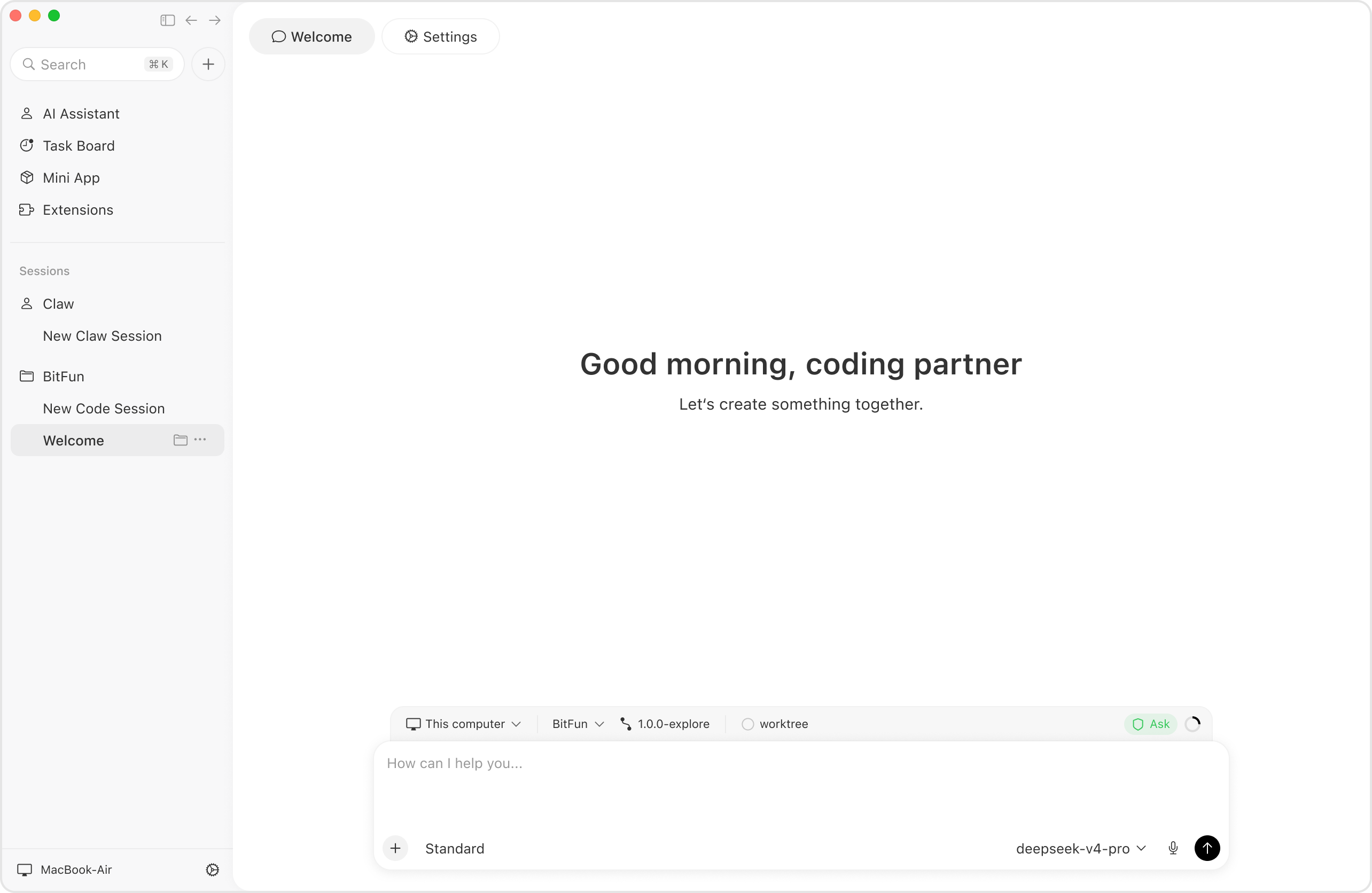
OpenBitFun combines a high-performance agent runtime written in Rust with a polished desktop application. It pairs the depth of a Code Agent with open, general-purpose capabilities for work beyond software development.
项目详情摘要
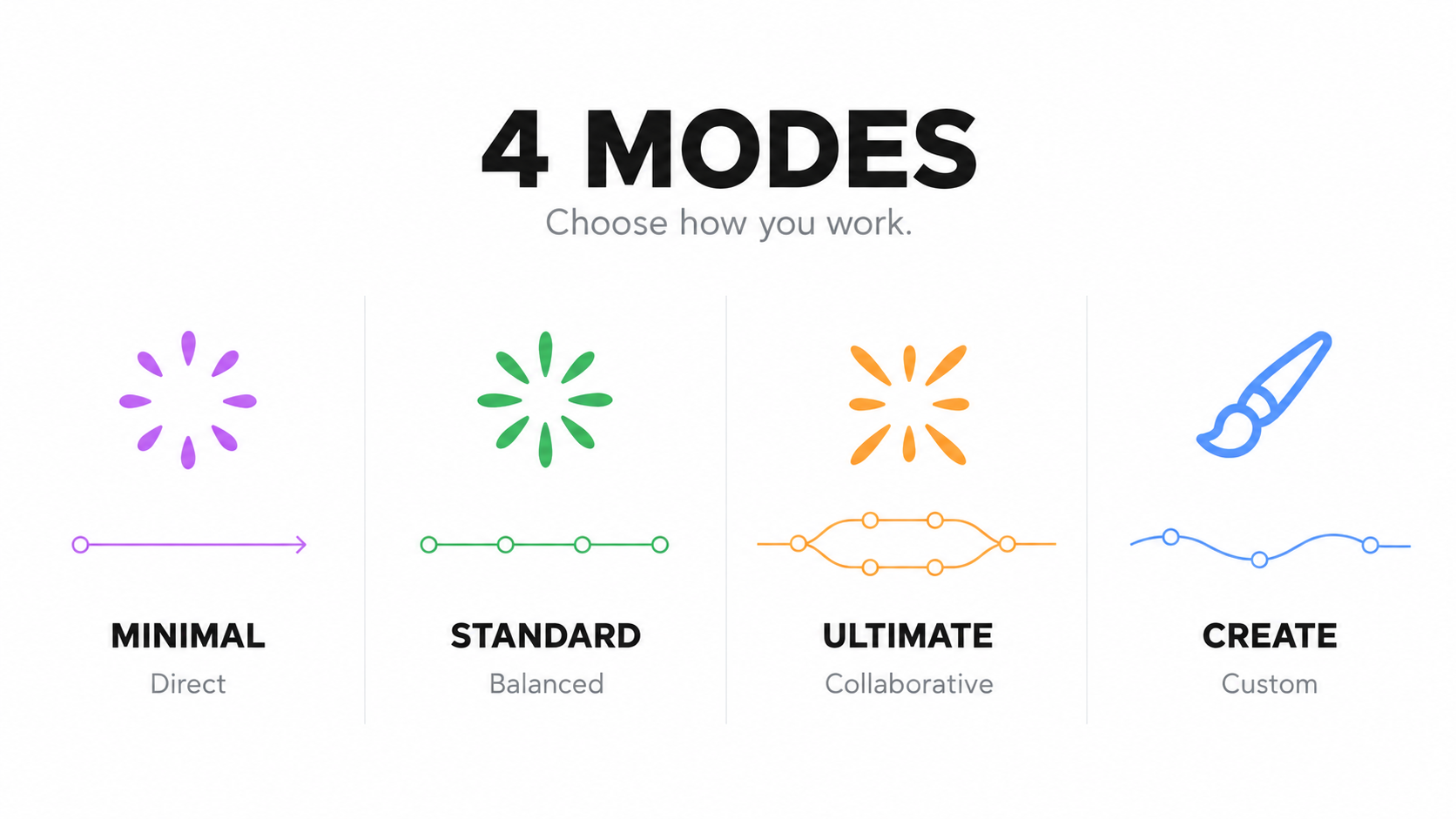
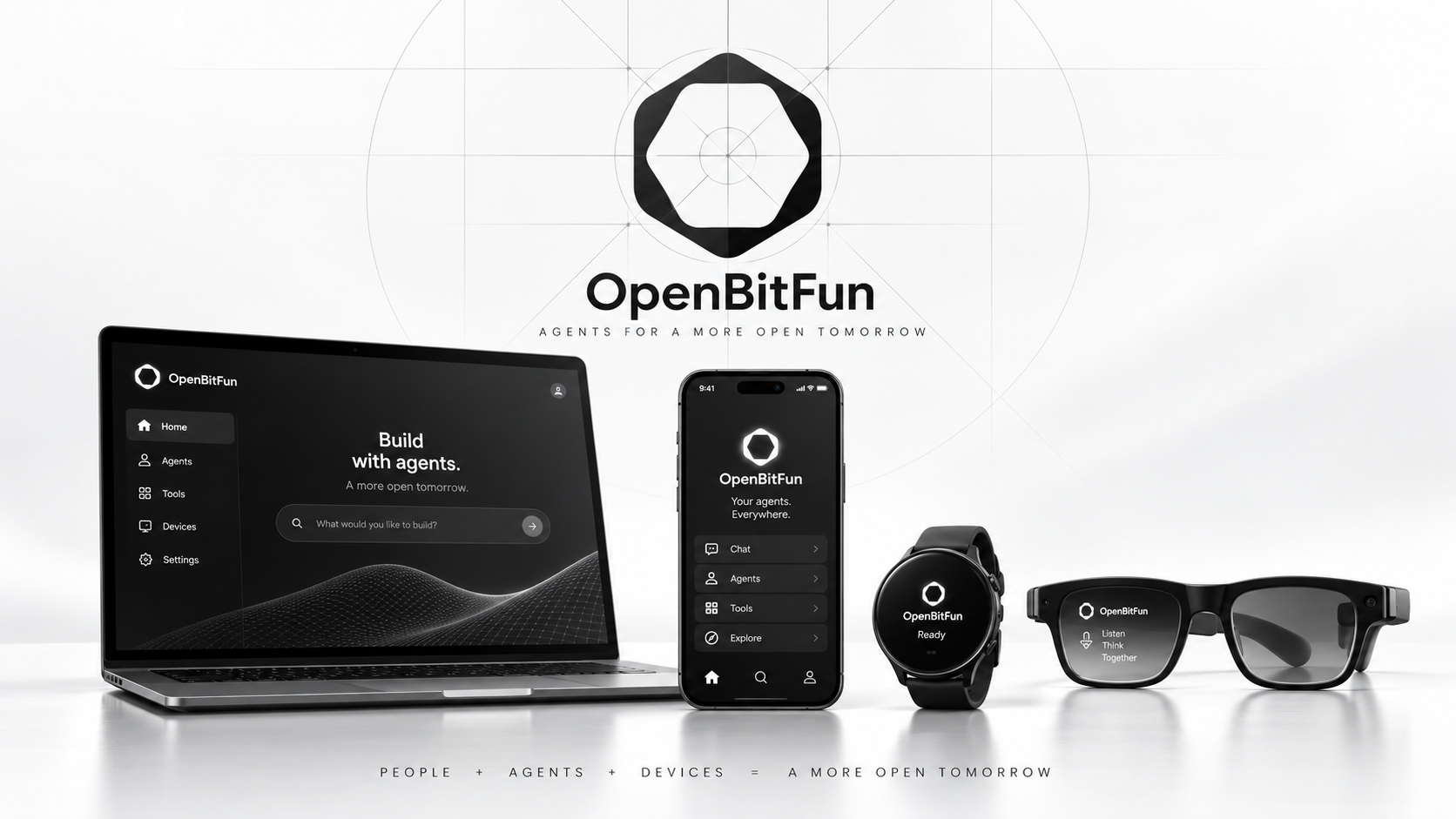
English** · 中文 Built to keep going. OpenBitFun is a highly customizable, open-source agent workspace that keeps work moving your way. Four powerful Agent Harness modes** · **Cross-device remote control** · **Customization from Mini Apps to source** If this is the kind of agent workspace you want, ⭐ Star OpenBitFun and help more people discover it.** Download · Mini App Marketplace · Contribute OpenBitFun 1.0.0 is here OpenBitFun 1.0.0 brings a redesigned interface, four Agent Harness modes for different kinds of work, and major upgrades to cross-device collaboration and remote control, so tasks move smoothly across desktop, mobile, and browser. Migration note:** OpenBitFun 1.0.0 is not data-compatible with legacy 0.2.x releases. To migrate legacy data, use the OpenBitFun Data Migrator, currently available for stable releases 0.2.17–0.2.19. Four modes for the way you work The Agent Harness shapes how a task gets done.** It plans steps, manages context, calls tools, coordinates agents, and brings their results together. Choose the mode that fits the task: Mode | When to use it | --- | --- | **Minimal** | **Quick collaboration.** Start with a clear goal. The agent acts directly, you give feedback, and you refine the work together. | **Standard** | **Everyday tasks.** For work with several steps: plan the approach, work through it, and check the results. | **Ultimate** | **Complex tasks.** Dig into demanding problems, divide the work among agents, and bring their results together. | **Creative** | **Creation and customization.** Build Mini Apps or extend OpenBitFun's interface and capabilities to make the workspace your own. | Your agent, across devices Switch devices. Keep the task moving.** Start at your desktop, pick up the conversation on your phone, or use a browser to
摘自项目公开 README,可能随上游仓库更新。安装方法
建议先在测试 Profile 中安装,并检查权限、安装脚本和依赖。
npx -p @deepseek-ai/dsh dsh plugin --profile web add github:GCWing/OpenBitFun
使用前检查
- 确认项目符合 DSH bundle 规范,而不只是相关仓库。
- 阅读许可证和安装脚本,检查网络、文件及执行权限。
- 备份配置,并确保插件能够安全卸载或回滚。