插件介绍
🍙 A personal AI agent & local memory hub for all AI agents, gives every AI one shared, fully controlled memory and persistent context — all AI remember the same you. Now supports Claude Code, Codex, OpenClaw and Hermes Agent etc.
项目详情摘要
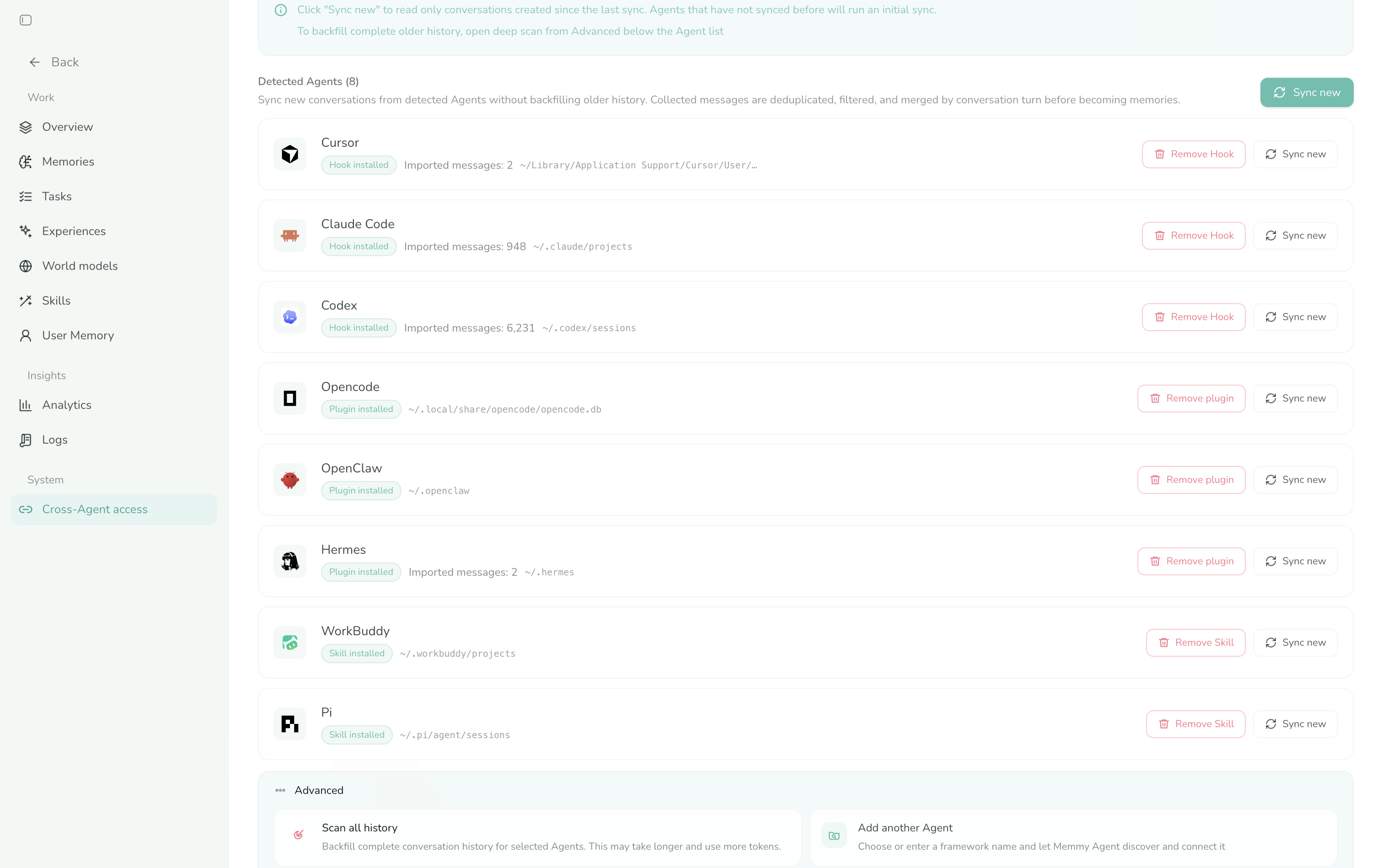
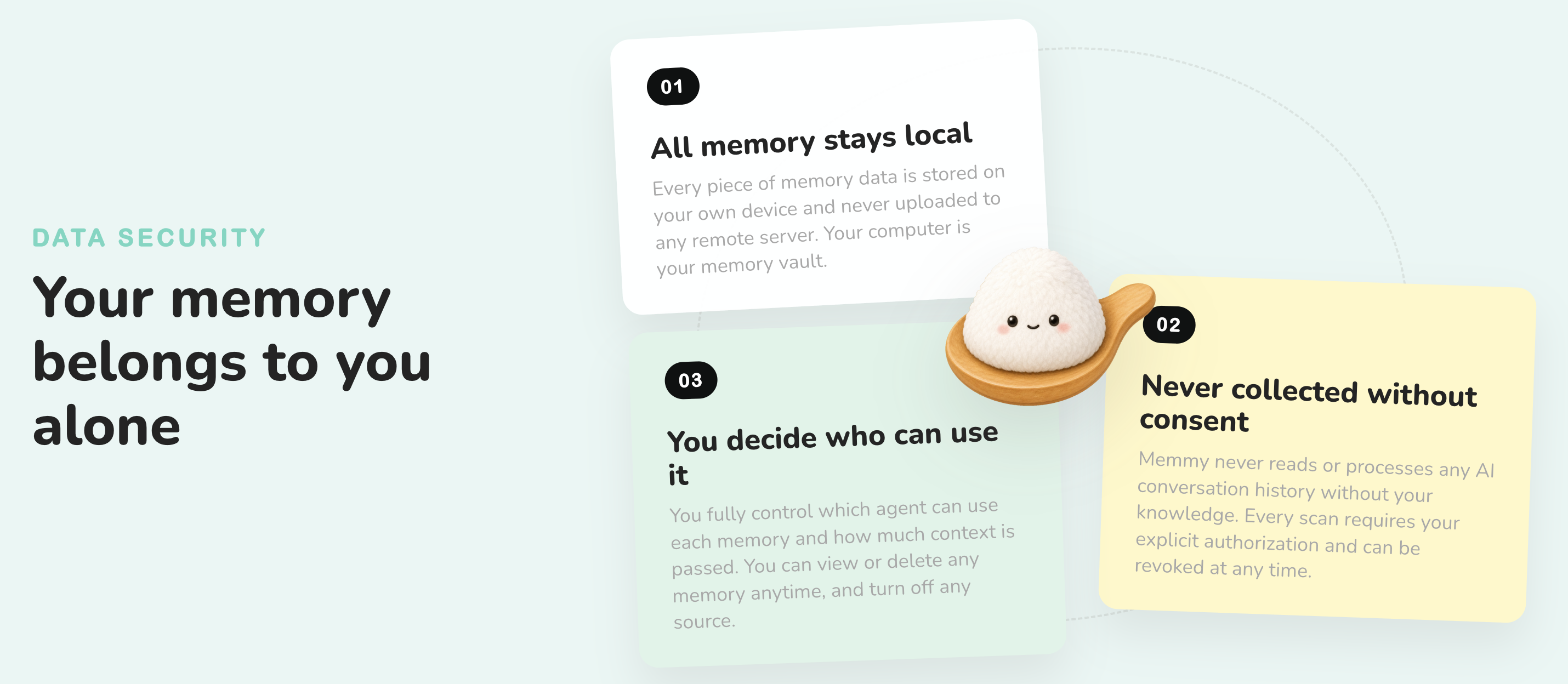
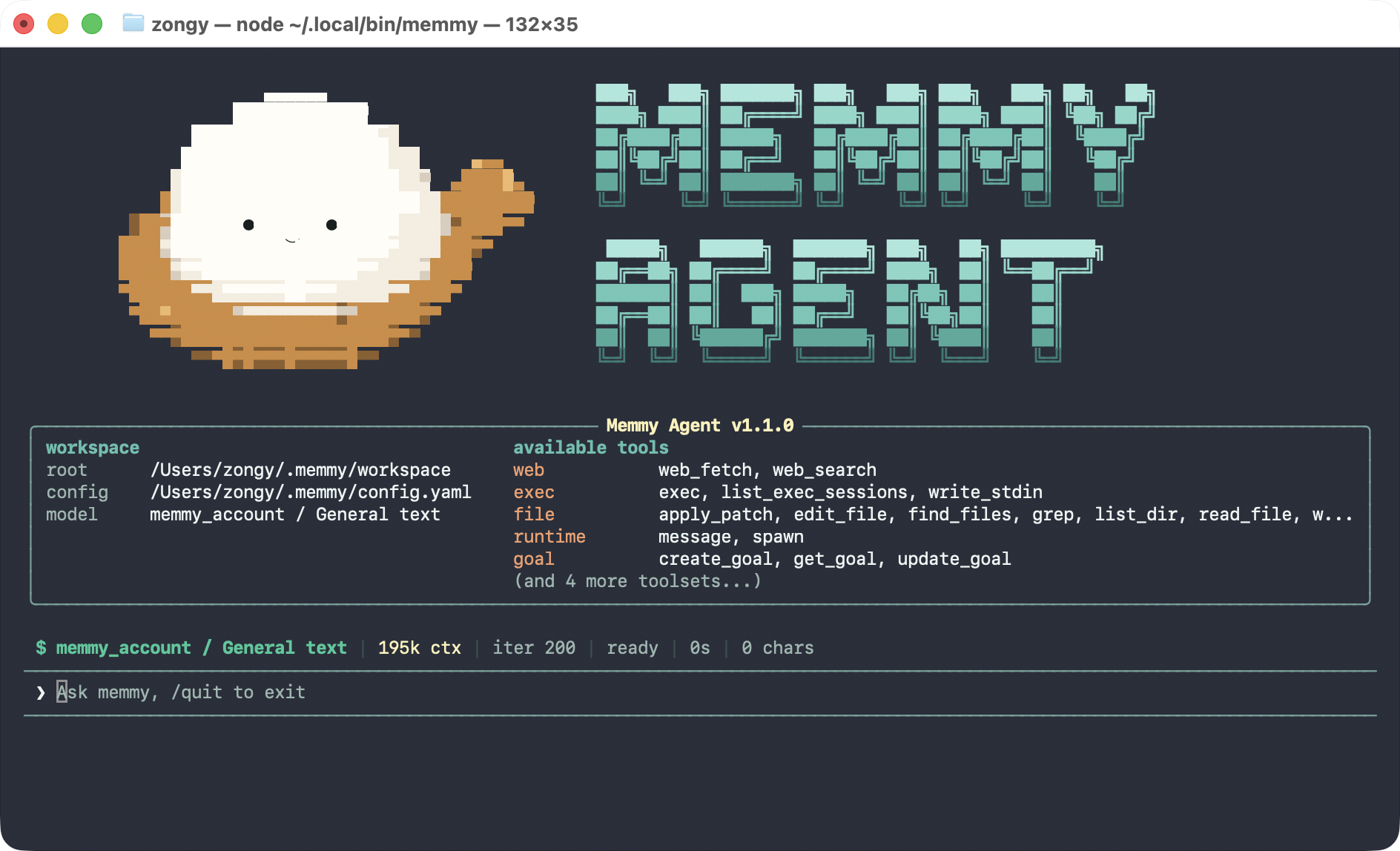
Continue the same work across DeepSeek Harness, Claude Code, Codex, and etc. Overview · Quick Start · Technical Overview · Roadmap · Acknowledgements · Contributors English** • 简体中文 What Is Memmy? Cross-Agent Task Continuity Most of the Agents You're Using Can Connect to Memmy DeepSeek Harness, OpenClaw, Hermes, Claude Code, Codex, Cursor, WorkBuddy, OpenCode, Pi...they all work!** Data Security How to Use Memmy For complete installation and configuration instructions, see the Getting Started guide. 1. Desktop App (Recommended) Download Memmy from the official website or GitHub Releases. [!TIP] Sign up for Memmy to receive free tokens and try the complete Memory + Agent Runtime. **Trial credits:** Registration grants Agent task trial tokens; the current balance and usage are shown in the app. When the trial credits run out, switch to BYOK mode and use your own model API. 2. Use the `memmy` CLI / TUI On Linux x64 or arm64 with Node.js 22 or newer and an available systemd user session: The installer enables the local Memory Service immediately as `memmy-memory.service`. The first bare `memmy` invocation opens the model setup wizard when needed, then enables `memmy-gateway.service`, waits for it to become ready, and enters the TUI. Both are `systemd --user` services bound to localhost and remain available after the TUI or terminal exits. They start again on later logins; the installer does not enable linger. Only the installer launcher activates this service management, so source-built Linux CLIs keep their existing behavior. Before starting or reconnecting to the Gateway, `memmy` refreshes a private `~/.memmy/systemd/gateway.env` file (mode `0600`) with configuration-referenced environment variables, common Provider credentials, and the terminal `PATH`. If those values ch
摘自项目公开 README,可能随上游仓库更新。安装方法
建议先在测试 Profile 中安装,并检查权限、安装脚本和依赖。
npx -p @deepseek-ai/dsh dsh plugin --profile web add github:MemTensor/memmy-agent
使用前检查
- 确认项目符合 DSH bundle 规范,而不只是相关仓库。
- 阅读许可证和安装脚本,检查网络、文件及执行权限。
- 备份配置,并确保插件能够安全卸载或回滚。