插件介绍
:rocket: The Ultimate Image Uploader for Efficient Creators. Supports Obsidian, Typora, VS Code etc. and 60+ image hosting services (S3, GitHub, Cloudflare R2, Imgur, Aliyun OSS...). Paste, upload, done.
项目详情摘要
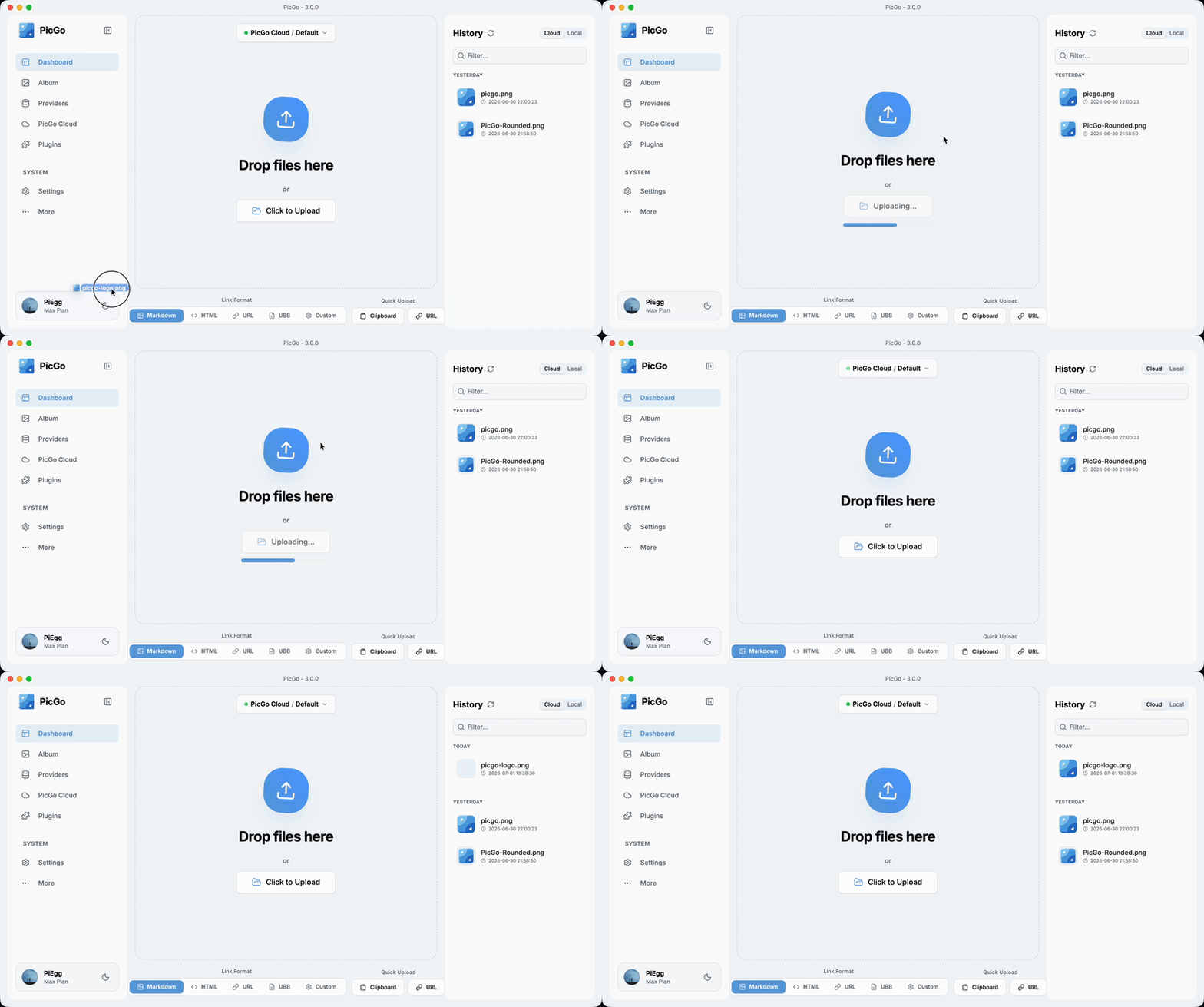
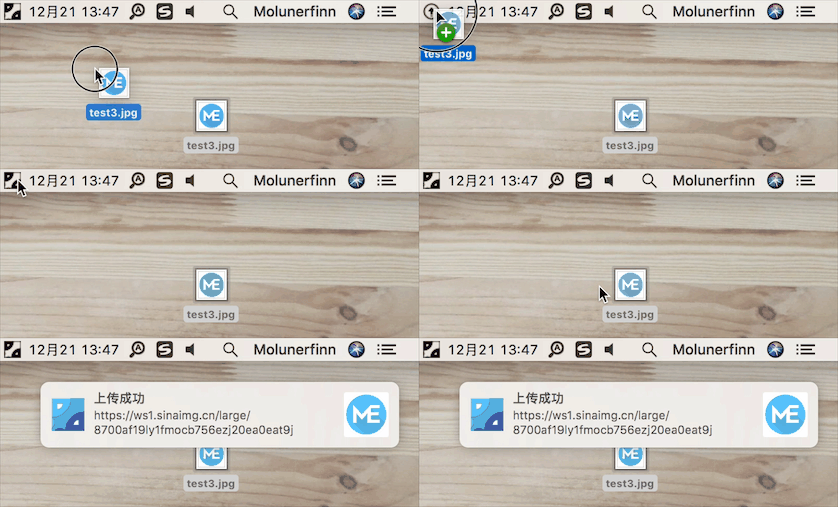
Special thanks to Modelflare Modelflare: Full strength, stable, nothing watered down. Global SOTA models at a lower cost. Castaly Castaly: Full strength, no upscaling. 40+ image and video models, including NSFW. NocoBase AI + No-Code Build reliable business systems Neon Fast Postgres Databases for Teams and Agents 中文 | **English** PicGo The Ultimate Image Uploader for Efficient Creators 📖 Overview PicGo aims to make image uploading a seamless part of your creative workflow.** Whether you’re writing a blog post, taking notes, or authoring developer docs, PicGo helps you upload images in one step and automatically copies the resulting link—so you can stay focused on creating, not uploading. Supported Image hosts PicGo supports mainstream Image hosts out of the box, and can be extended indefinitely through its plugin system: **China cloud vendors**: Qiniu, Tencent Cloud COS, UPYUN, Alibaba Cloud OSS **International / open platforms**: GitHub, SM.MS(S.EE), Imgur **More options via plugins**: AWS S3, Cloudflare R2, MinIO, and more **Note**: PicGo itself will no longer add new third-party Image hosts by default. You can build Image host plugins yourself—see PicGo-Core. ✨ Key Features PicGo is built around a fast, low-friction image upload experience: ⚡ Smooth writing flow **Auto-copy links**: once an upload finishes, the link is copied to your clipboard automatically. **Flexible formats**: Markdown, HTML, URL, custom templates—paste directly into any editor. **Zero-Context Switching**: Don't switch windows. Just paste images directly into your favorite editor, and let PicGo handle the upload in the background. _Enable this workflow via native support or community plugins:_ Obsidian \ VS Code \ Typora \ Neovim \ MarkText \ SiYuan \ And more... 🚀 Fast uploads **Multiple ways to
摘自项目公开 README,可能随上游仓库更新。安装方法
建议先在测试 Profile 中安装,并检查权限、安装脚本和依赖。
npx -p @deepseek-ai/dsh dsh plugin --profile web add github:Molunerfinn/PicGo
使用前检查
- 确认项目符合 DSH bundle 规范,而不只是相关仓库。
- 阅读许可证和安装脚本,检查网络、文件及执行权限。
- 备份配置,并确保插件能够安全卸载或回滚。