插件介绍
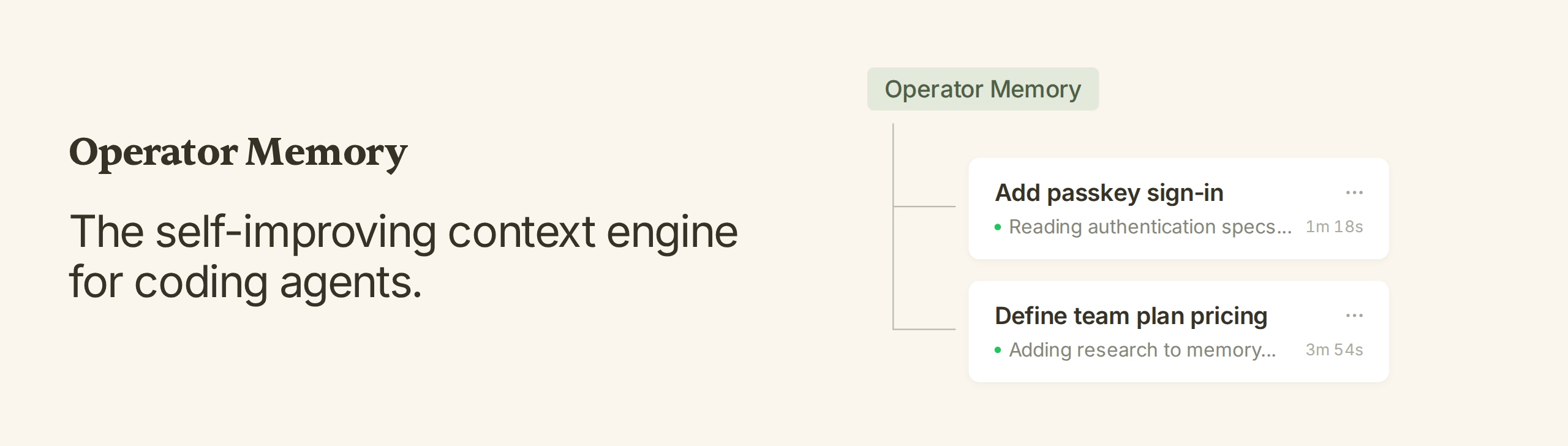
The self-improving context engine for coding agents.
项目详情摘要
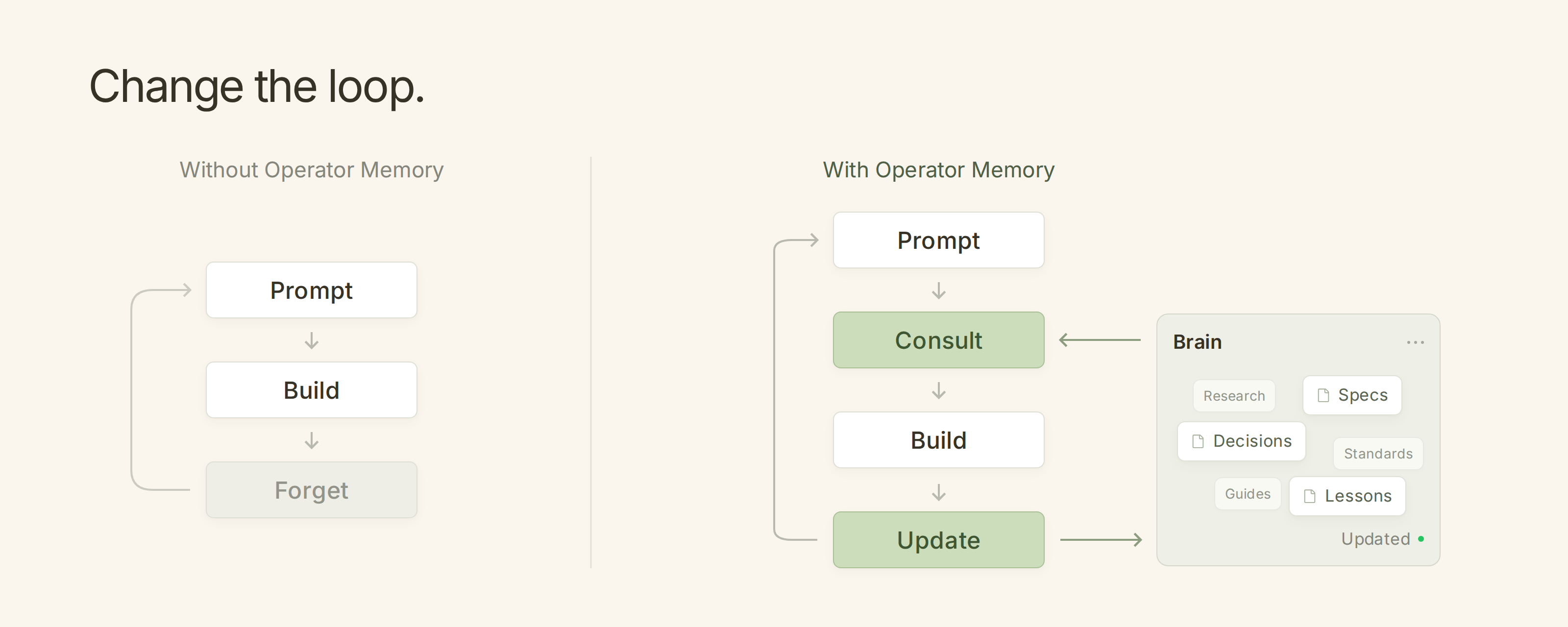
English | 简体中文 Operator Memory: The self-improving context engine for coding agents. Operator Memory gives your agent a brain for documenting all their work. As the agent works, it automatically documents within this brain — specs, decisions, standards, research, lessons. Every new session starts knowing everything the last one learned. Features **Complete Context Engine** — Documentation, memory, indexes, and skills within a single integrated system. **Automatic Documentation** — Specs, decisions, research, and more are automatically documented by the agent. **Transparent Memory** — Memory is stored as Markdown documents you can read, update, and delete. **Sharable Knowledge** — Track documents with Git and share knowledge with your team. **Zero Infrastructure** — No background agents, no embeddings, no vector database, no model configuration. Installation Operator is managed via the Operator Helper, which also provides setup and agent instructions. Install the Helper with npm: Or Bun: Then install the Operator adapter for your harness. Click each link for harness-specific information. Harness | Status | Install | --- | --- | --- | Claude Code (CLI + Desktop) | 🟢 Fully Supported | `operator-helper install claude-code` | Codex (CLI + Desktop) | 🟢 Fully Supported | `operator-helper install codex` | OpenCode V2 | 🟢 Fully Supported | `operator-helper install opencode-v2` | OpenCode V1 | 🟡 Supported, Legacy | `operator-helper install opencode` | Pi | 🟢 Fully Supported | `operator-helper install pi` | DeepSeek Harness | 🟢 Fully Supported | `operator-helper install deepseek` | Kiro | 🟡 Supported | `operator-helper install kiro` | Setup is a conversation with your agent. Run each command in a new conversation. 1. First time only: `/operator:user-init` — set up your global user
摘自项目公开 README,可能随上游仓库更新。安装方法
建议先在测试 Profile 中安装,并检查权限、安装脚本和依赖。
npx -p @deepseek-ai/dsh dsh plugin --profile web add github:aerovato/operator-memory
使用前检查
- 确认项目符合 DSH bundle 规范,而不只是相关仓库。
- 阅读许可证和安装脚本,检查网络、文件及执行权限。
- 备份配置,并确保插件能够安全卸载或回滚。