插件介绍
Best ready-to-run DeepSeek Harness distribution: DSH desktop GUI, DSH terminal TUI, and harness integration.
项目详情摘要
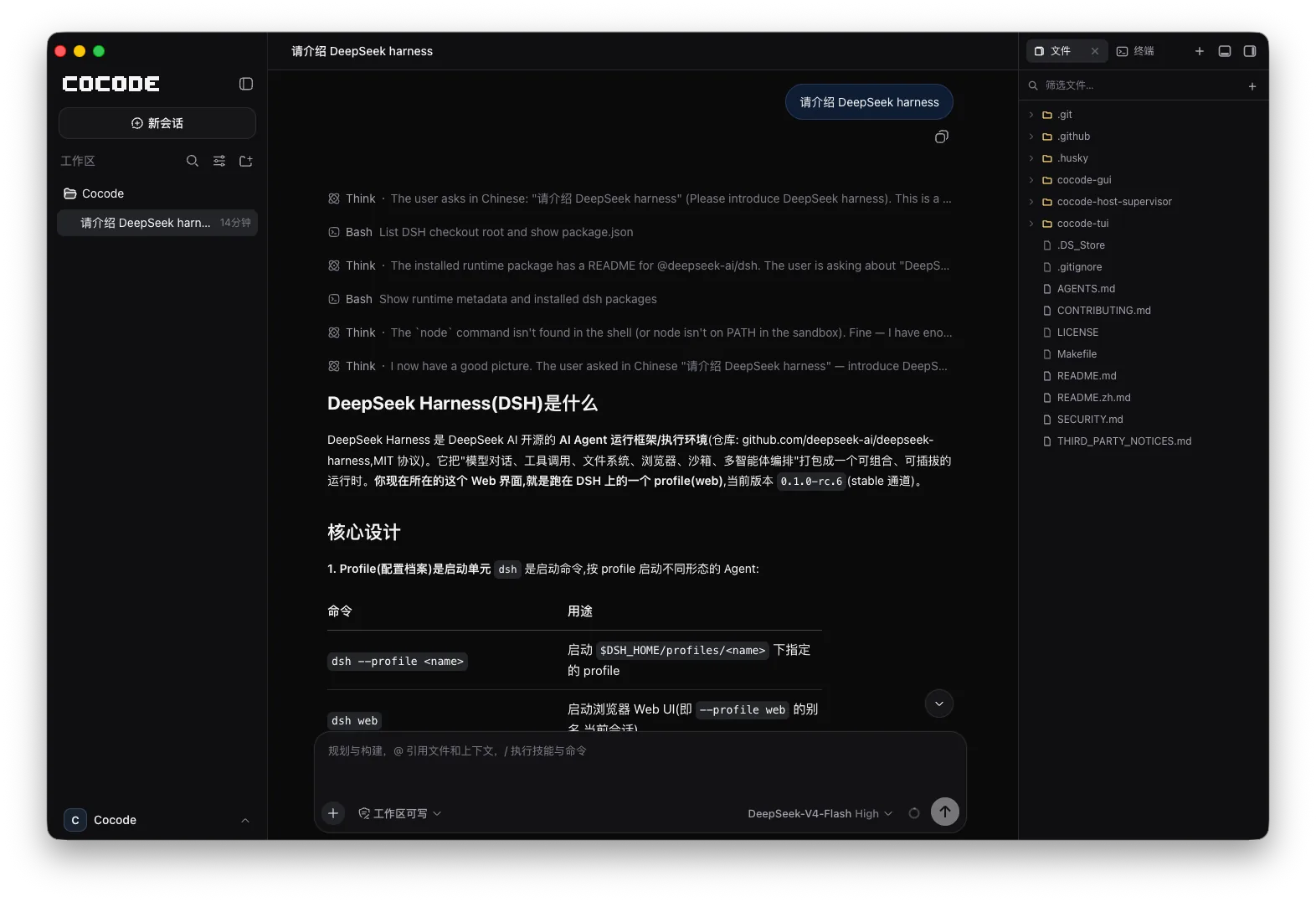
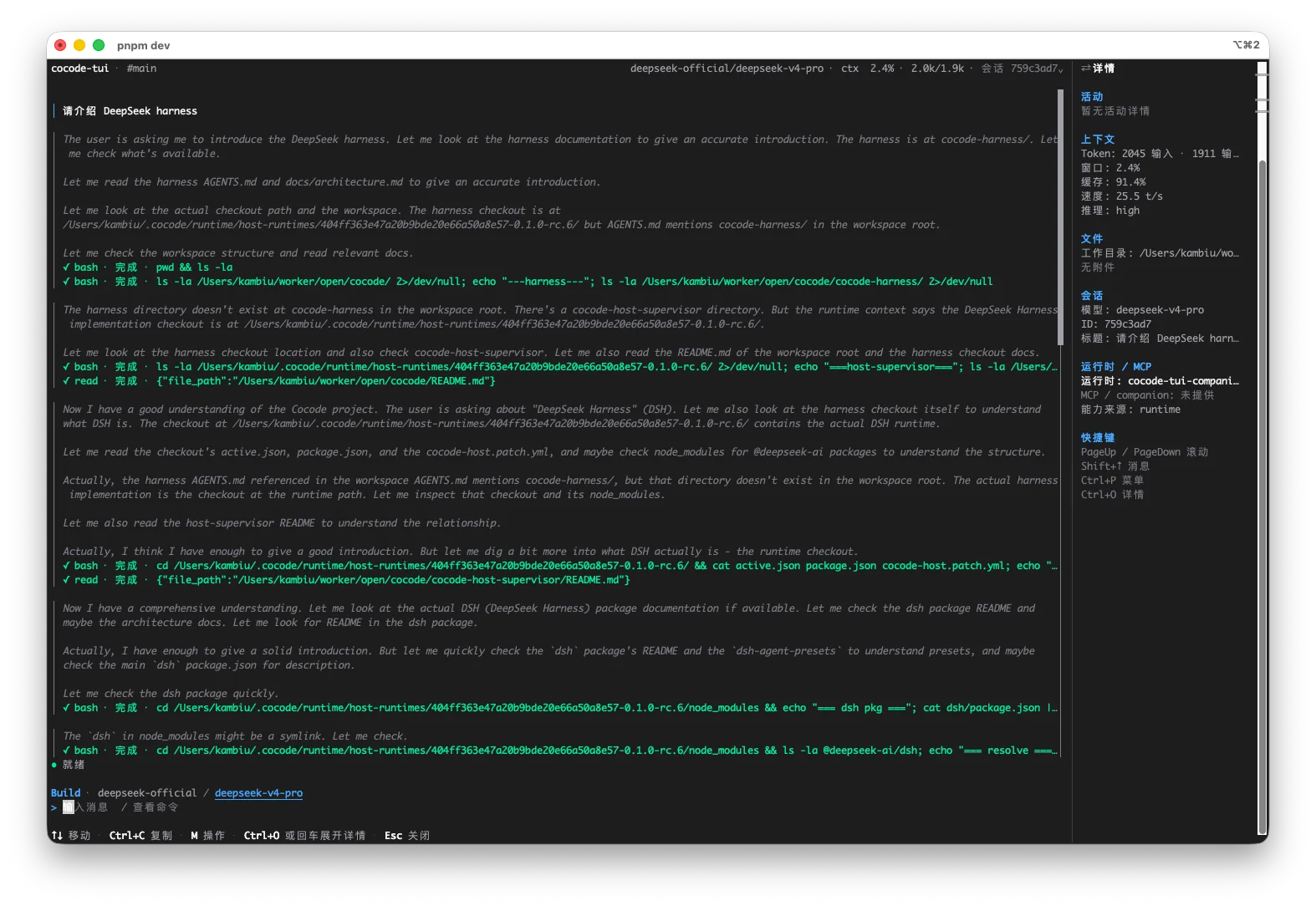
Cocode A ready-to-run DeepSeek Harness distribution.** English · 简体中文 Most coding agents make the choices for you and take the choice away with them: which tools are available, how work gets scheduled, what the interface looks like — all settled upstream. Cocode wants the other half of that bargain. It makes the choices for you and leaves the screwdriver within reach: the default setup works the moment you install it, with nothing to study first, and when it doesn't fit you can open it up, see exactly how it was put together, and change it to your liking. Everything else in Cocode follows from that. The runtime underneath is DeepSeek Harness, which makes an argument of its own: everything is a plugin. Models, tools, skills, sessions, sandboxes, and scheduling all come together through configuration, and Harness takes no position on what you should assemble. Cocode assembles one of those, and puts the assembly out in the open in the product instead of burying it in a config file. **Project status:** Developer preview. Cocode is built on the DeepSeek Harness developer preview. It is an independent distribution, not an official DeepSeek product, and upstream compatibility may change. The repository supports source builds on macOS, Windows, and Linux; the current release scripts target macOS and Windows artifacts, and this repository does not include a hosted backend or a vendored Harness checkout. Install and try it in five minutes Use case | Install | Start | --- | --- | --- | **GUI** | Download the installer for your platform from the GitHub Releases page. | Launch Cocode, then choose Cocode Pro with hosted Nut credits or your own DeepSeek-compatible key. | **TUI** | Node.js `22.19.x` or later (`24+` is also supported), then `npm install --global @cocode-agency/tui`. | R
摘自项目公开 README,可能随上游仓库更新。安装方法
建议先在测试 Profile 中安装,并检查权限、安装脚本和依赖。
npx -p @deepseek-ai/dsh dsh plugin --profile web add github:cocode-agency/cocode
使用前检查
- 确认项目符合 DSH bundle 规范,而不只是相关仓库。
- 阅读许可证和安装脚本,检查网络、文件及执行权限。
- 备份配置,并确保插件能够安全卸载或回滚。