

插件介绍
One macOS app for Claude Code, Codex, and every agent runtime you use — scheduled runs, global hotkey launcher, per-run git worktrees, one review board.
项目详情摘要
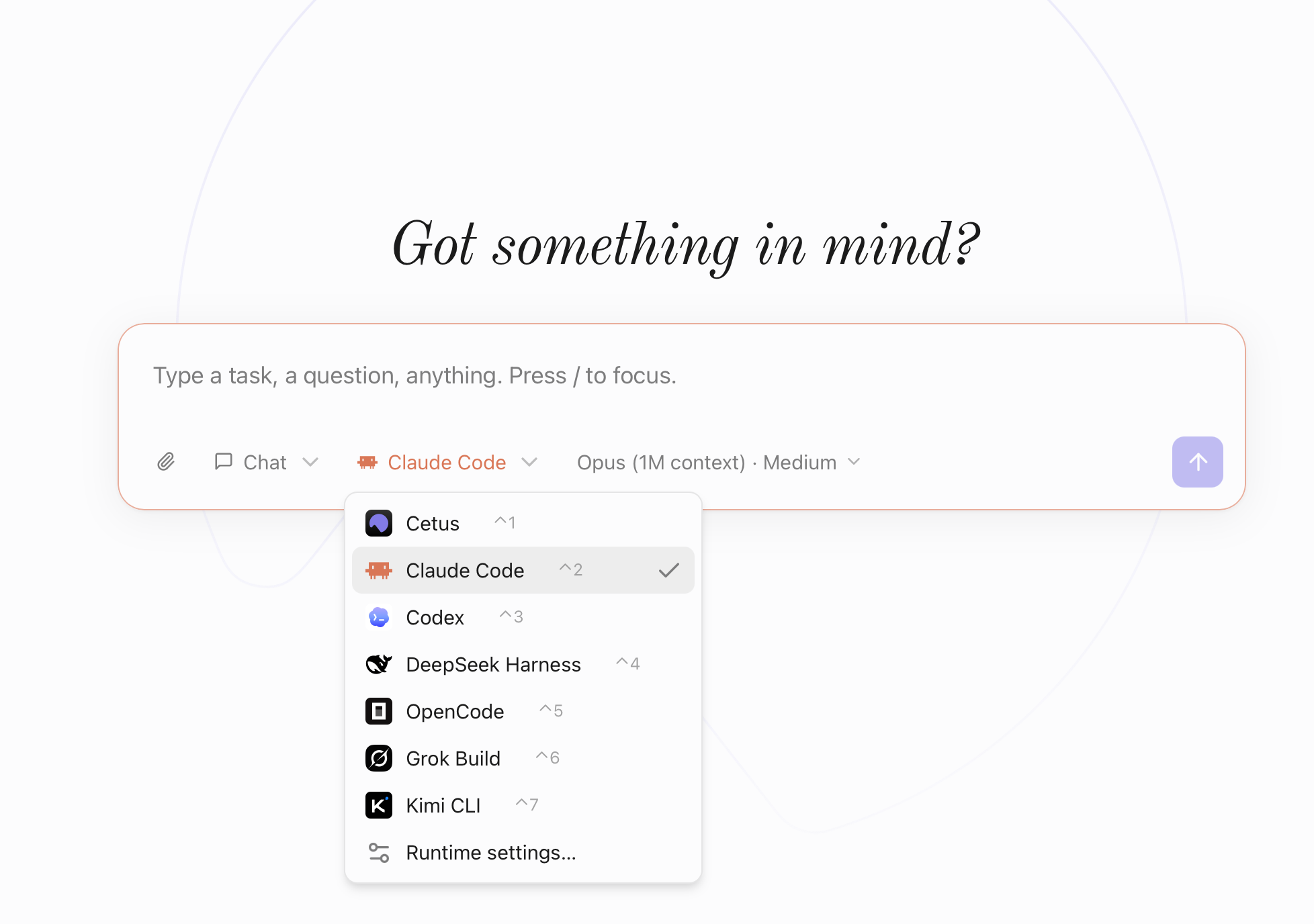
Cetus Official website · cetus.run Turn your favorite agent runtime into an always-on desktop assistant. Keep Codex, Claude Code, DeepSeek Harness, or the built-in runtime at the core. Cetus adds the desktop layer around it: summon it over any app, schedule work for later, and give it context from what has been on your screen. Quick Launcher · Automations · Global Quick Reply · Screen Context English · 简体中文 Join the Cetus community Scan with WeChat to join the group chat and share feedback. Stay tuned ⭐️ Star Cetus to get notified about every new release, and to help more people find it. Four things Cetus adds to your agent Quick Launcher — your agent, one hotkey away Hold **both ⌘ keys** to summon your agent over any app. Cetus brings along the current screenshot, frontmost app, browser URL, and selected text as removable context chips, so you can ask in place instead of stopping to explain what you are looking at. Automations — let it work while you are away Turn any prompt into a one-off or recurring job (`at` / `every` / `cron` / `daily`). Each run keeps its chosen runtime and model settings, works in a fresh background conversation, and leaves the result ready for you to review. Global Quick Reply — draft the answer without leaving the thread Double-tap **right ⌥** on any conversation — a team channel, an email, a support console — and Cetus reads what is on screen, then streams a draft into an editable panel. It follows the language and register of the thread and answers what was actually asked, so a message with three open questions does not come back as "sounds good". Press **⏎** to drop it into the input you were already in, or **⇥** to redraft the same screen on another runtime. Screen Context — let it remember what you were doing With screen context on, Cetus
摘自项目公开 README,可能随上游仓库更新。安装方法
建议先在测试 Profile 中安装,并检查权限、安装脚本和依赖。
npx -p @deepseek-ai/dsh dsh plugin --profile web add github:drewnekota/cetus
使用前检查
- 确认项目符合 DSH bundle 规范,而不只是相关仓库。
- 阅读许可证和安装脚本,检查网络、文件及执行权限。
- 备份配置,并确保插件能够安全卸载或回滚。