
插件介绍
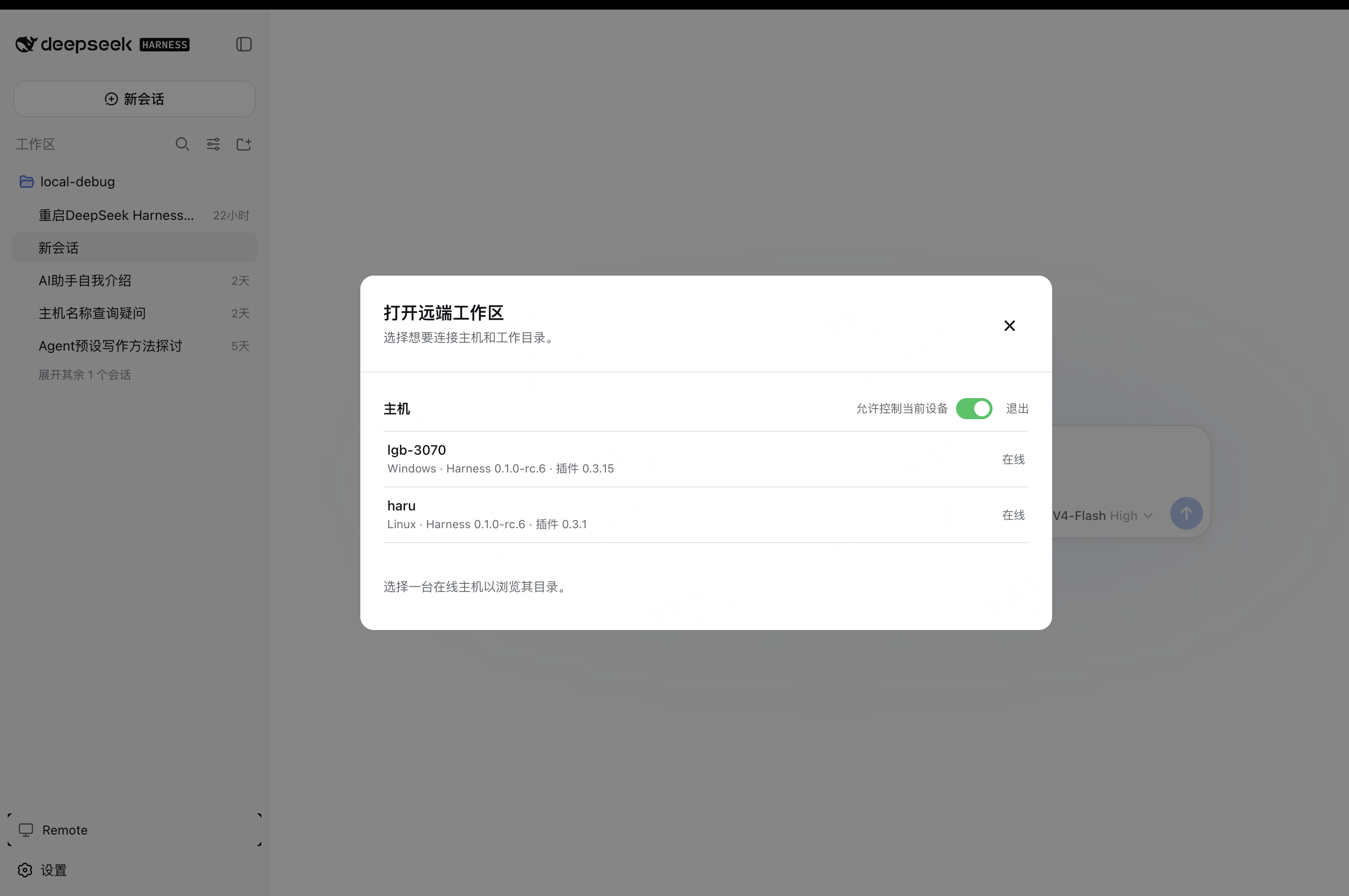
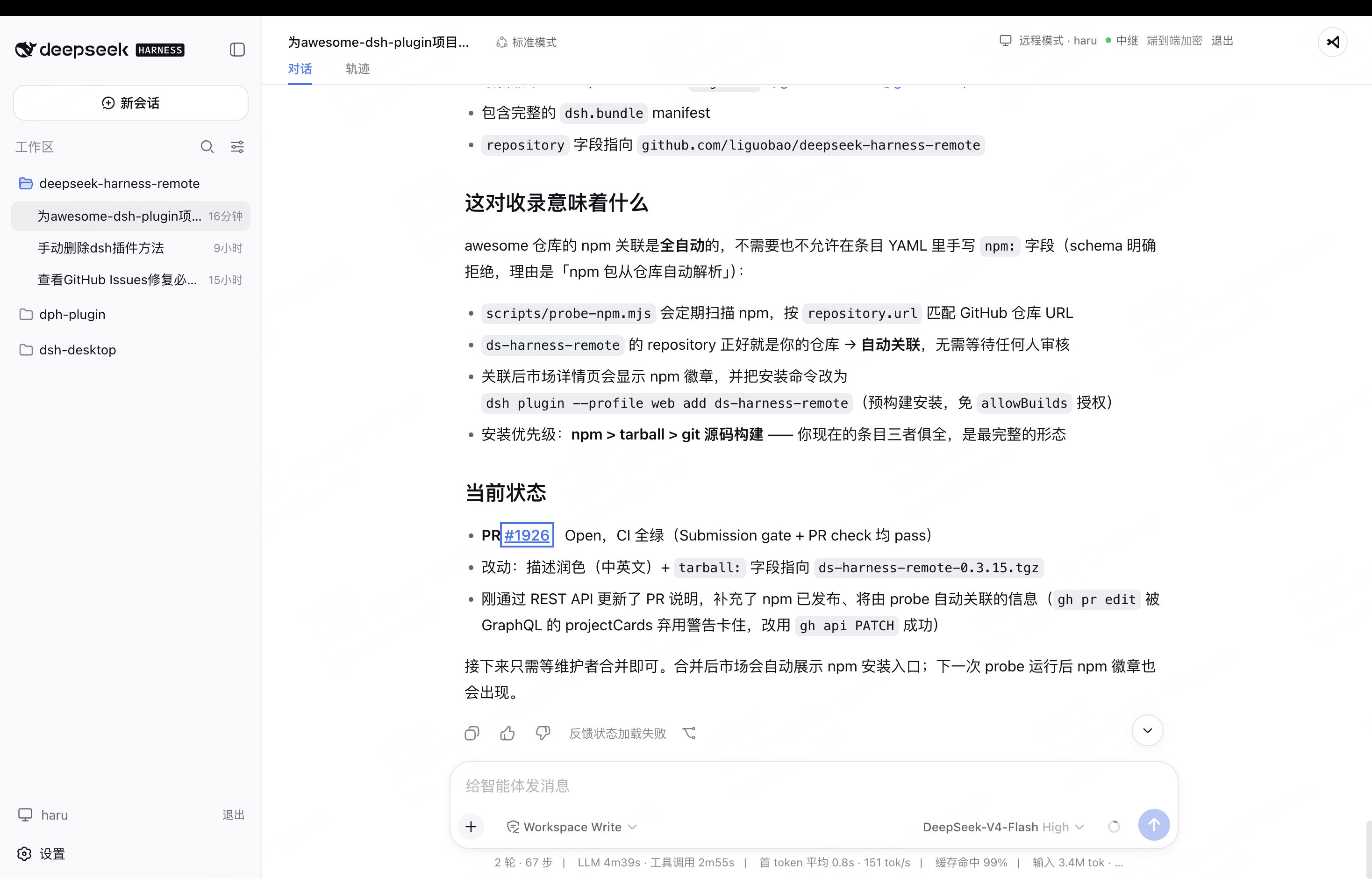
一个基于 DeepSeek Harness 插件机制构建的多端远程访问方案,通过安全、低延迟、端到端加密的 P2P 优先网络,支持从 PC、Android 和 Web 随时访问并操作远程 Harness 和 CodeX。 (A multi-device remote access solution built on the DeepSeek Harness plugin system, enabling PC, Android, and Web clients to securely access and operate remote Harness and CodeX over a low-latency, end-to-end encrypted, P2P-first network.)
项目详情摘要
English · 中文 · Documentation · Web · Android · iOS Self-hosting · npm · Connect once. Ready whenever you are. Continue using your DeepSeek Harness instance from a phone, computer, or browser. Return to the same Harness session from whichever device is with you. Harness keeps running on your work computer, with the same workspaces, tools, and project setup. DS Harness Remote is simply another window into that environment. The DeepSeek Harness desktop edition is supported. Install the latest release: `[email protected]` Features Access your local Harness instance remotely from the web, a PC, or a mobile device: DSH first, with Codex, Cursor, and Antigravity support too. Use the native DeepSeek Harness interface without a separate desktop conversation UI. Create workspaces, configure models, and switch conversation models with the same smooth workflow as local use. Support DeepSeek Harness Desktop, ready to use after installation. Run a terminal-only dsh-TUI profile as a Host. No public listening port or public IP is required on the Harness Host. Connect from anywhere with internet access over a bidirectional end-to-end encrypted channel. Prefer P2P connections, use TURN relay nodes worldwide, and fall back to Server Relay when needed. Access workspace files, read-only previews, remote terminals, and authorized local development-service previews through the native Harness sidebar. Install DeepSeek Harness Desktop support Open **Extensions / Plugin management** in DeepSeek Harness Desktop, choose installation from npm, and enter this package: `[email protected]` Restart Desktop afterward. Its official `dsh` launcher can also install the pinned package with `dsh plugin --profile d
摘自项目公开 README,可能随上游仓库更新。安装方法
建议先在测试 Profile 中安装,并检查权限、安装脚本和依赖。
npx -p @deepseek-ai/dsh dsh plugin --profile web add github:liguobao/ds-harness-remote
使用前检查
- 确认项目符合 DSH bundle 规范,而不只是相关仓库。
- 阅读许可证和安装脚本,检查网络、文件及执行权限。
- 备份配置,并确保插件能够安全卸载或回滚。