插件介绍
The first vision plugin for DeepSeek Harness, and the vision bridge for every text-only coding agent. Paste an image, get structured JSON evidence (OCR, layout, semantics). | 全网最强 DeepSeek Harness 外挂视觉插件,为 DeepSeek、GLM 等纯文本模型外挂视觉能力,粘贴图片即得结构化 JSON 证据(OCR、版面、语义)。
项目详情摘要
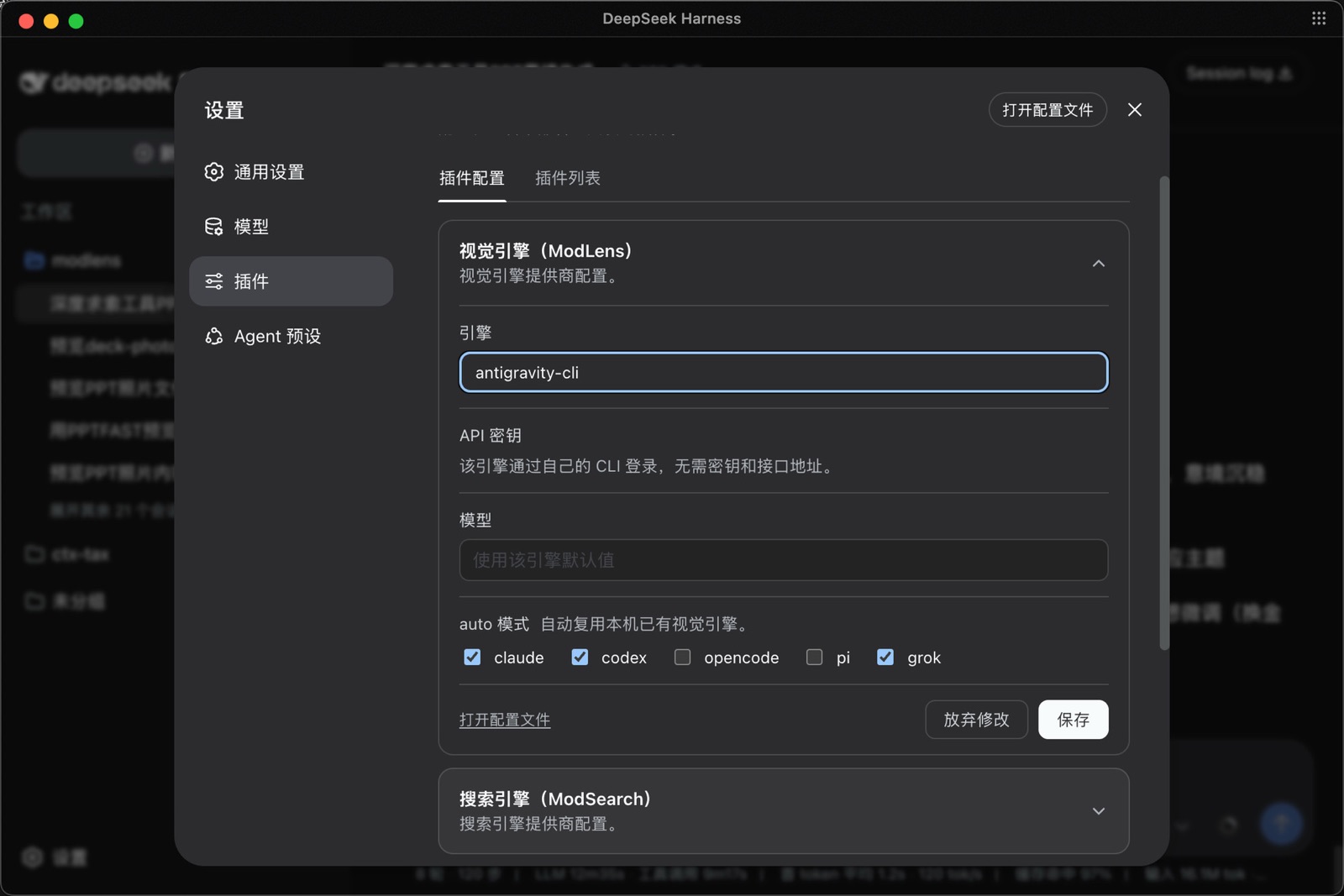
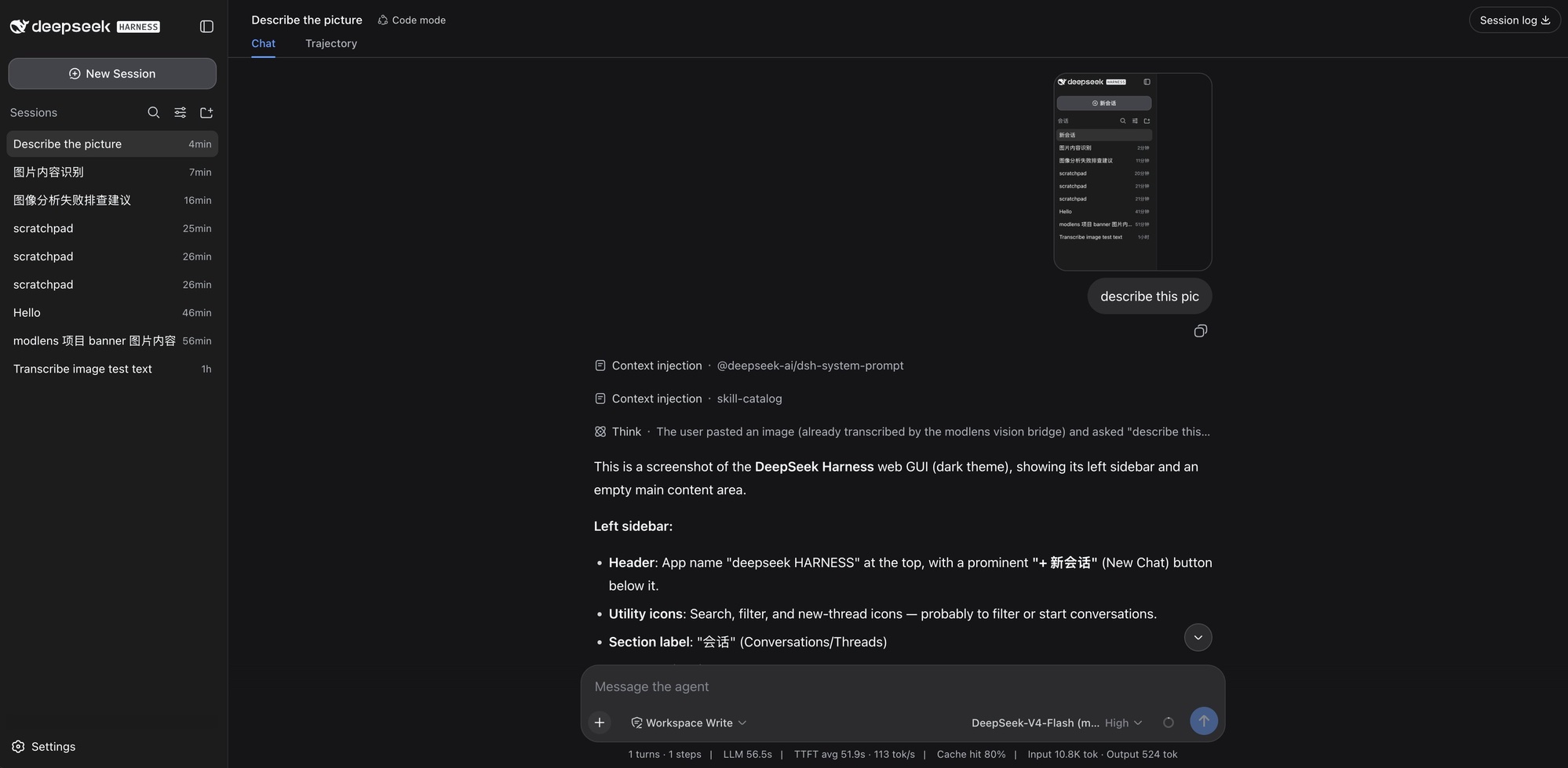
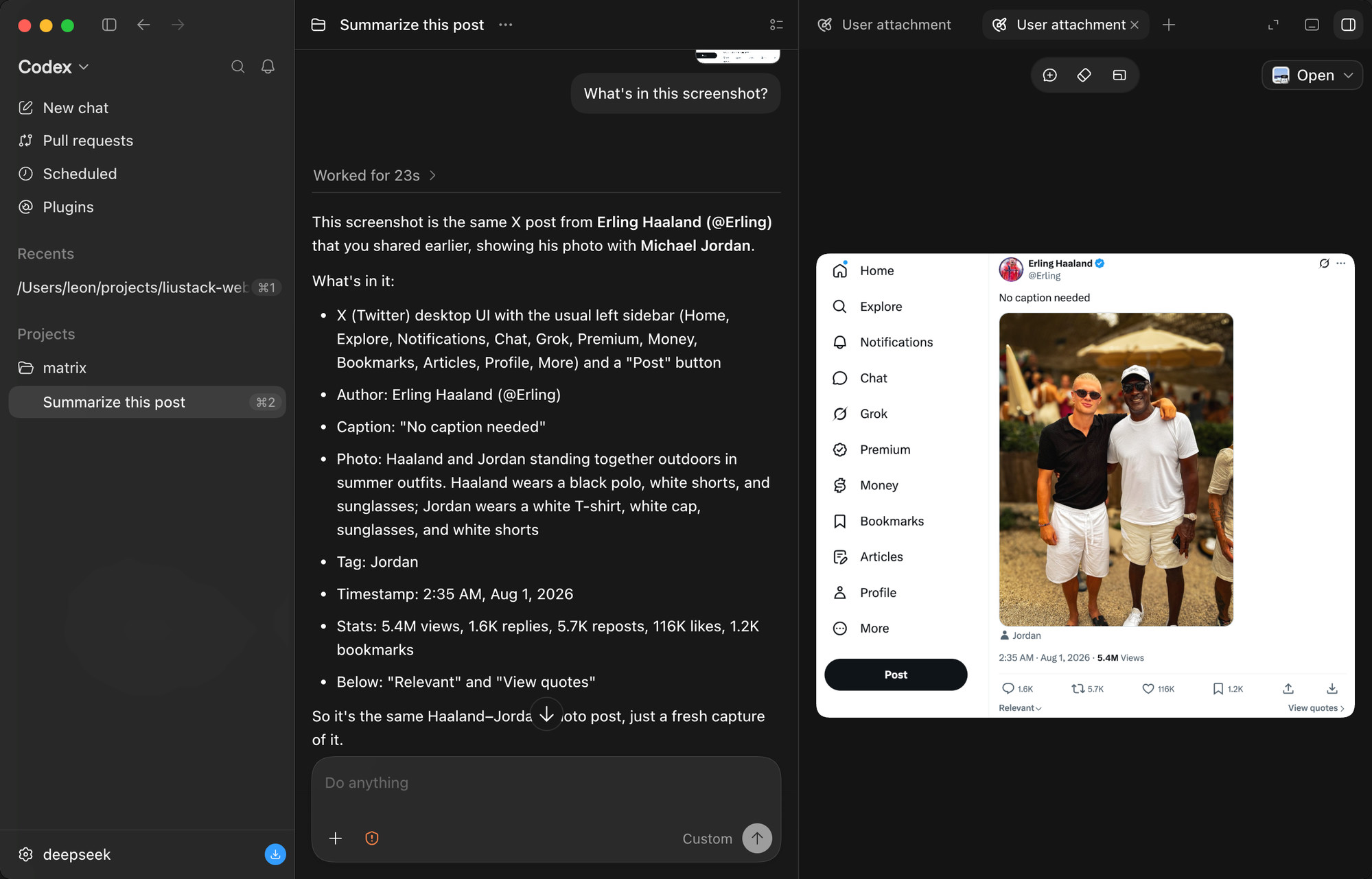
ModLens Give a text-only model sight, and just paste the image. 🥇 The most capable vision plugin for DeepSeek Harness (dsh) 🥇 简体中文 · Configuration · Troubleshooting · Security · 🔍 ModSearch (the best free web search plugin for DSH) DeepSeek's flagship chat models, and GLM-5.3 itself, are text-only and cannot read images. GLM-5.3-Flash is native multimodal. ModLens is a plug-in vision engine that gives a text-only model sight. **ModLens reads images pasted straight into the chat**, no saving to a file and passing a path first. Talk to us Issues are welcome any time: open one. Follow the liustack WeChat official account, and come find me on X: **@liustack**. What you built with it, which harness you are on, and what should come next are all shared on WeChat and X. A proper community space is on the way. Highlights 🥇 The most capable vision plugin for DeepSeek Harness (dsh):** install it instantly with one command: `npx -y @deepseek-ai/dsh plugin --profile web add @liustack/[email protected]`. See the setup guide for installation and update details. If the command line is not your thing but you still want to try DSH, check out AIManager , the lightest desktop wrapper for DeepSeek Harness. It gets you started with zero code or configuration and installs every dependency for you with one click. Pasting an image works two ways. **① Just paste.** On a text-only model the pasted image lands as a private temp file and its path enters the composer (the same interaction OpenCode and Pi ship), then the `modlens_read_image` tool takes it from there. **② Pick a `(modlens vision)` entry** in the model selector (it remembers your choice, so once is enough), then paste: the thumbnail stays visible in your message, closer to the Codex app feel, and the image is converted to structured evide
摘自项目公开 README,可能随上游仓库更新。安装方法
建议先在测试 Profile 中安装,并检查权限、安装脚本和依赖。
npx -p @deepseek-ai/dsh dsh plugin --profile web add github:liustack/modlens
使用前检查
- 确认项目符合 DSH bundle 规范,而不只是相关仓库。
- 阅读许可证和安装脚本,检查网络、文件及执行权限。
- 备份配置,并确保插件能够安全卸载或回滚。