插件介绍
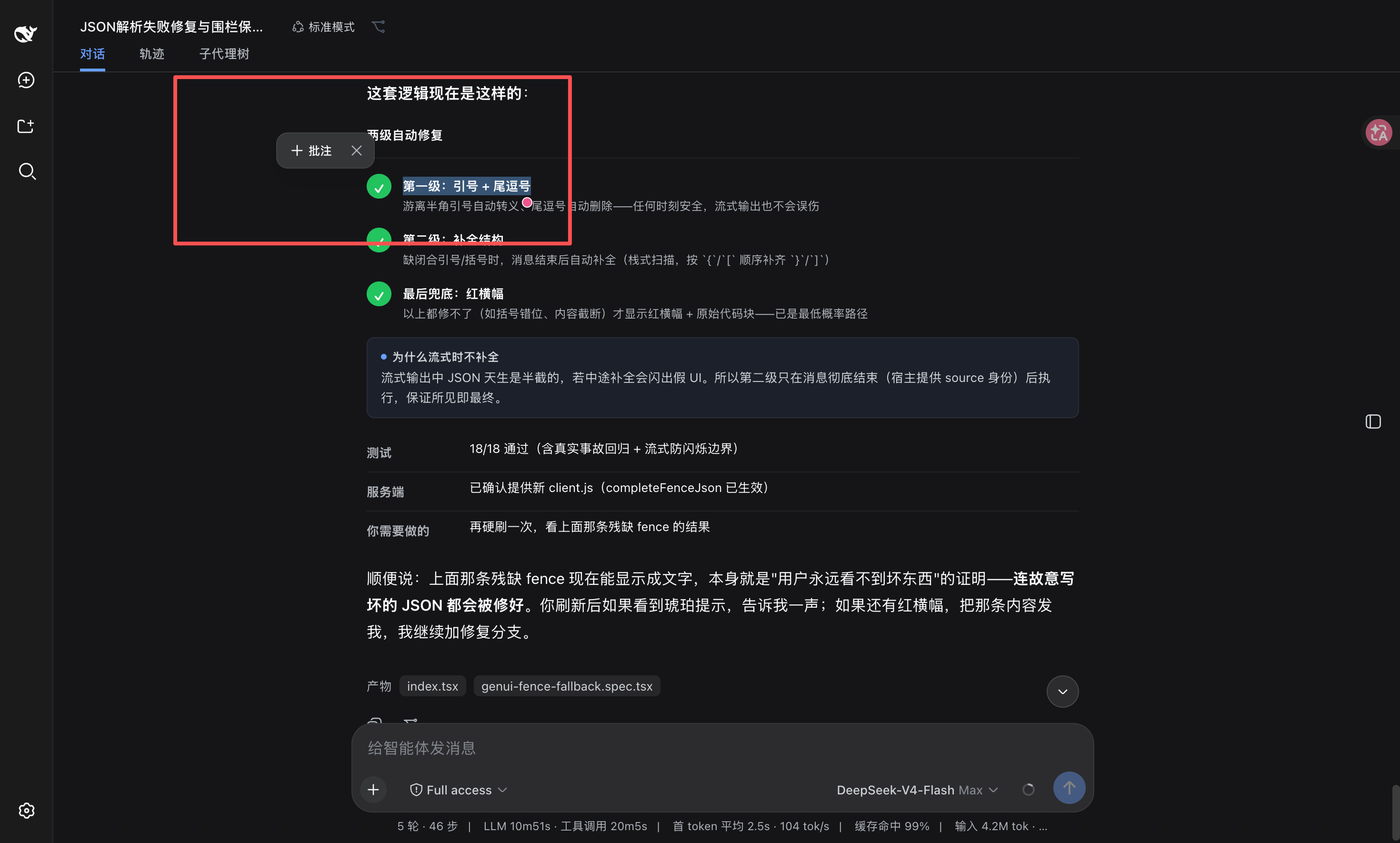
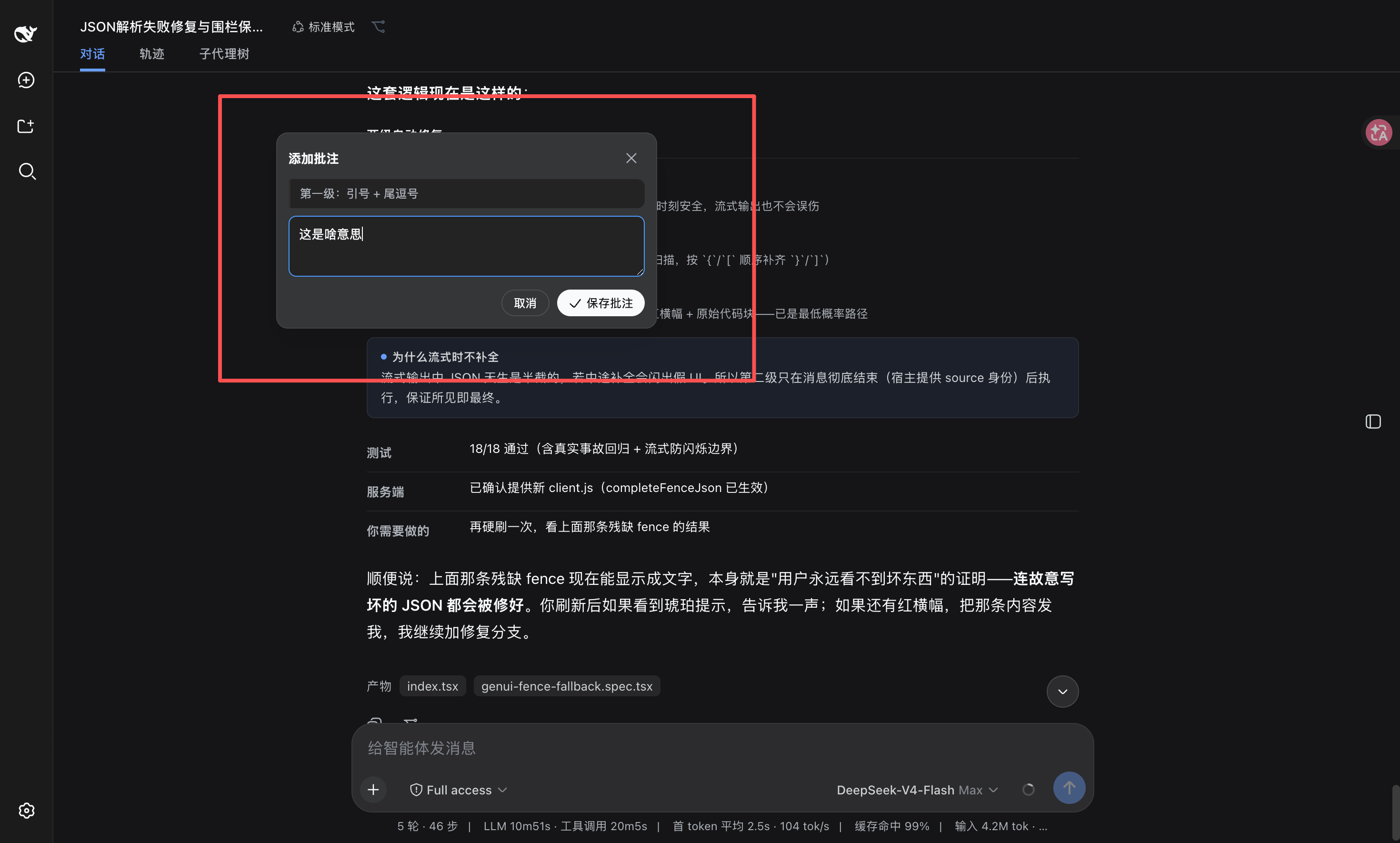
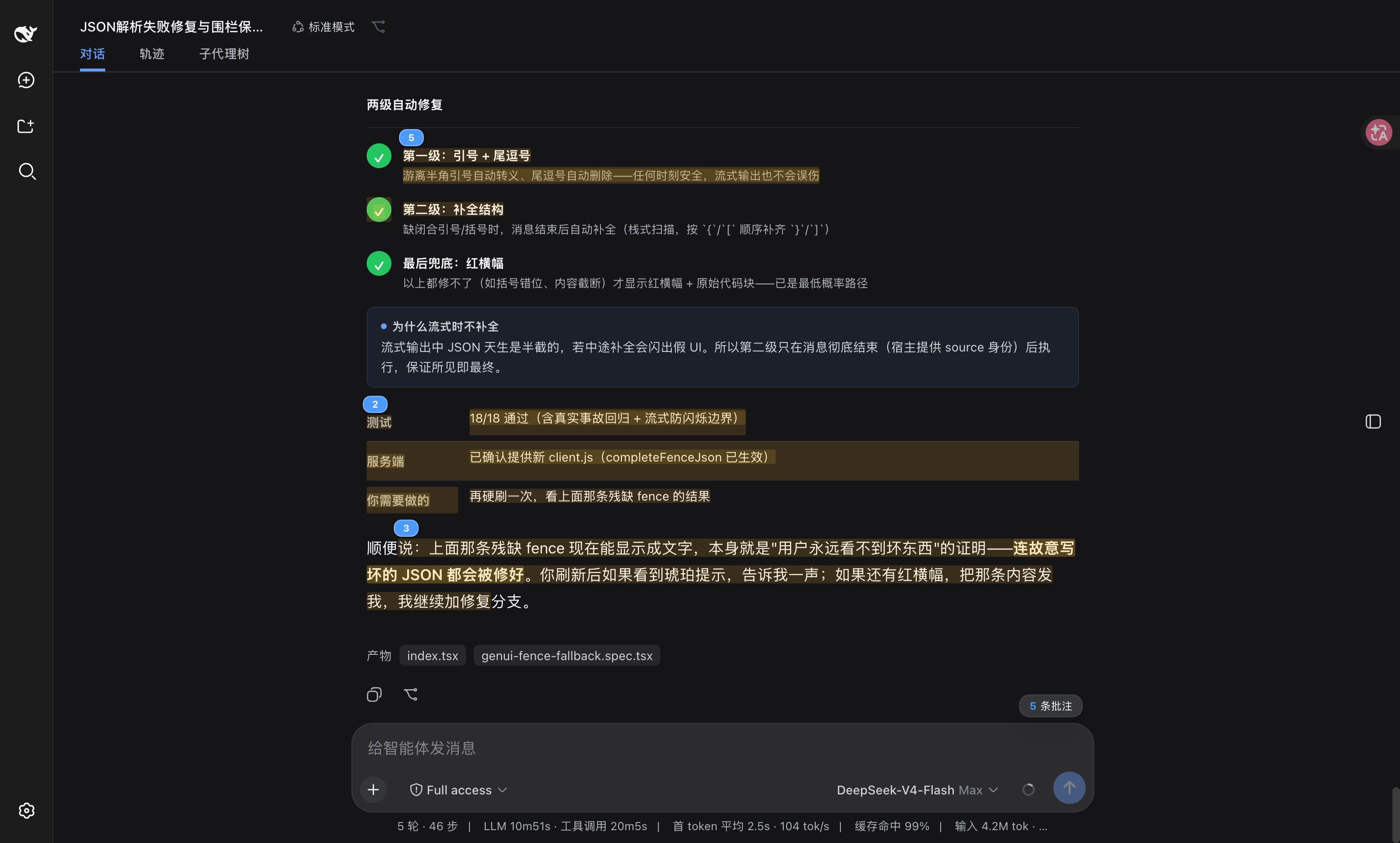
DSH Web 选中批注插件:选文字→批注→回车随消息发送;气泡隐藏批注块(零闪烁);回复按 Annotation N 逐条对照(可悬浮芯片)。官方 bundle,零核心改动
项目详情摘要
dsh-annotation English** · 简体中文 Selection-annotation plugin for DSH Web: select text → annotate → press Enter to send it along with your message; the model replies to each annotation by number. 🌐 Live Product Site — Explore dsh-annotation in DSH Select any text in an assistant reply to annotate it (the annotation body may be left empty = just mark the passage). Annotations accumulate across messages and turns. An **Annotations ×N** chip appears next to the input box — hover to view all annotations, remove them one by one. Press Enter and the annotation block goes to the model together with whatever question is in the input box. **The annotation block never shows up as text in your own message bubble** — only the question plus the chip (content visible on hover; hidden before paint, zero flicker). The model replies with `Annotation 1: …` … `Annotation N: …`, one per annotation, and every Annotation label in the reply is a hoverable chip showing the annotated passage and your note. Form: official **bundle plugin** (`dsh.bundle` + a `dsh.client` declaration in package.json, injected into the browser via client-modules; the Node half is an empty implementation). **Zero core changes** — no DSH files are touched; `cordis.patch.yml` only inserts its own id once, and the profile patch stays `[]`. Features Sidebar file annotations (DSH 0.1.6-alpha.1): select plain text, Markdown, or code in a workspace file preview and use the same annotate, save, and Enter-to-send flow. The editor and model-facing quote include the file path. After reloading and reopening the original file, its markers are restored; identical passages in different files remain separate. PDF, images, and HTML inside iframes are not covered. Feature | Description | Select-to-annotate | Select assistant text → too
摘自项目公开 README,可能随上游仓库更新。安装方法
建议先在测试 Profile 中安装,并检查权限、安装脚本和依赖。
npx -p @deepseek-ai/dsh dsh plugin --profile web add github:omdsh-dev/dsh-annotation
使用前检查
- 确认项目符合 DSH bundle 规范,而不只是相关仓库。
- 阅读许可证和安装脚本,检查网络、文件及执行权限。
- 备份配置,并确保插件能够安全卸载或回滚。