插件介绍
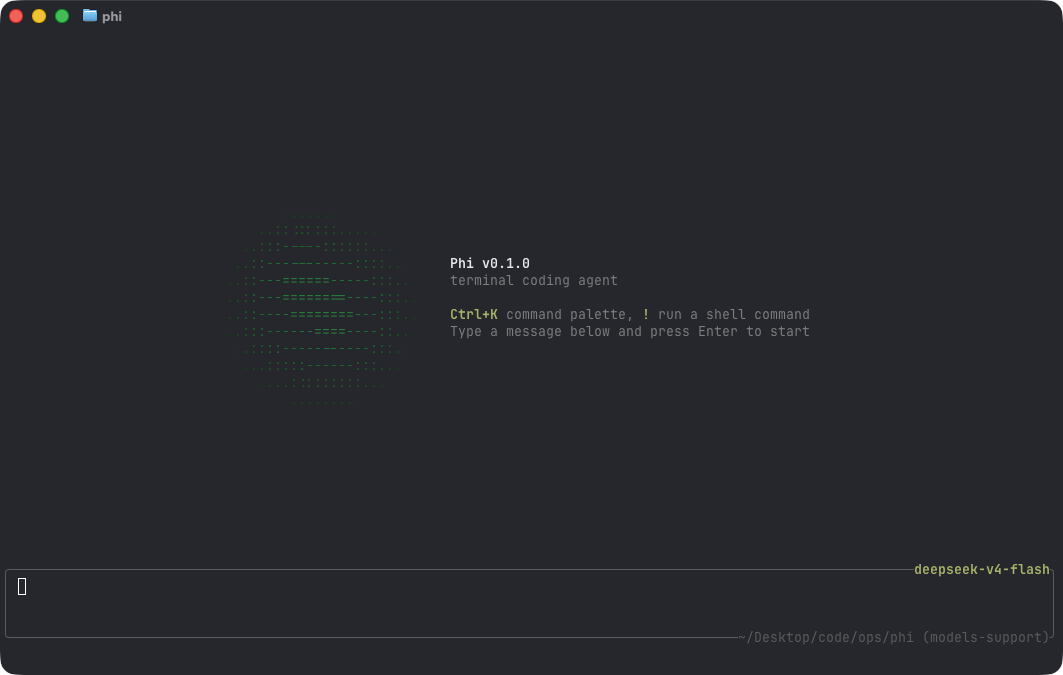
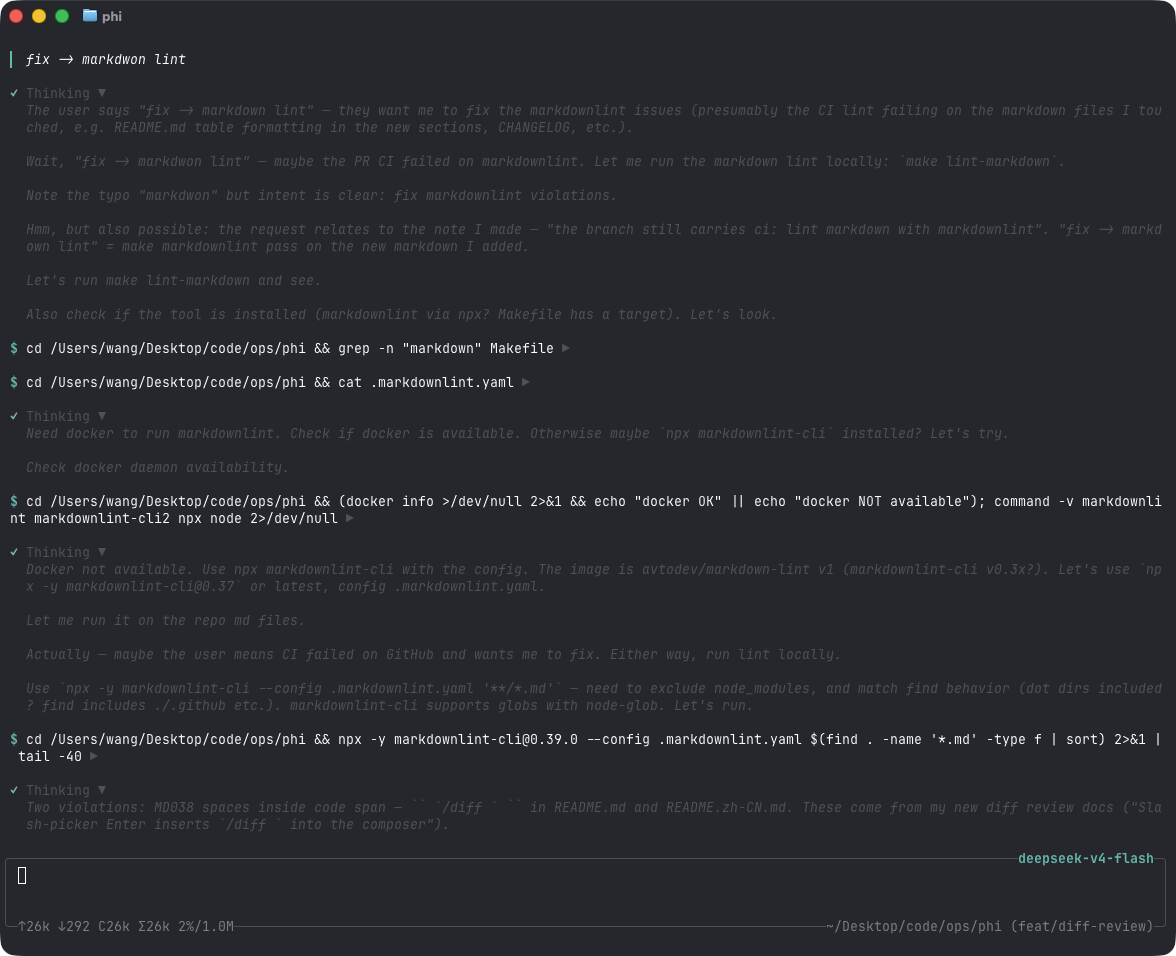
a coding agent, rpc plugin, sub-agents, hashline edits, and mcp
项目详情摘要
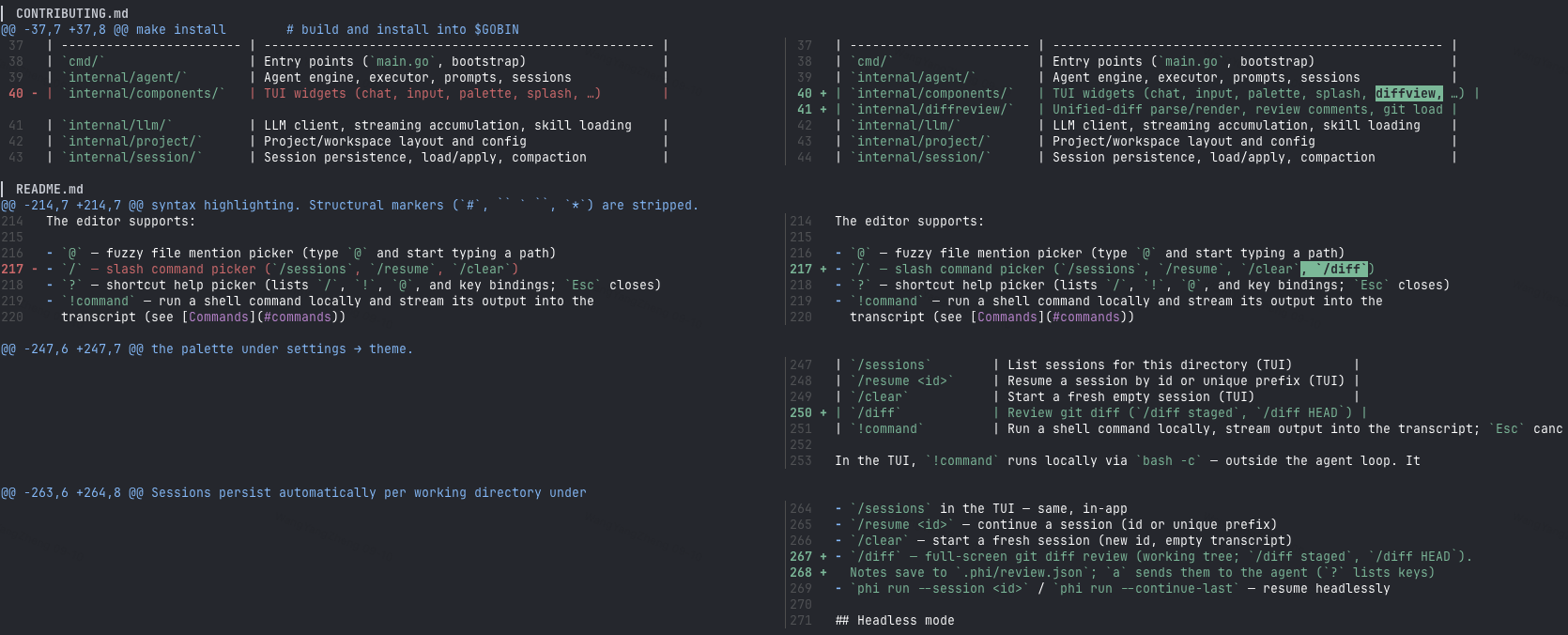
15 MB · ~31 ms · sub-agents · anchored sloppy edits · permission gate · progressive MCP · PXB extensions · native diff review & code selection · OpenAI / Anthropic / Gemini Docs Quick start Footprint Configuration Interactive mode Diff review Code viewer Commands Sessions Headless mode Skills Permissions Extensions MCP Tools Project layout Quick start Install the latest release (macOS / Linux): Windows (PowerShell 5.1+): First launch needs a model. Open the config editor (creates `~/.phi` layout and writes `~/.phi/config.yaml`): Or set env vars for a one-off run: Then start the TUI: Or build from source (Go 1.26.3+, see `go.mod`): On first start, phi automatically creates `~/.phi/{bin,skills,hooks,session}`. Search tools (`fd`, `rg`) download into `~/.phi/bin` in the background when missing. The TUI gives the model four core tools — `read`, `write`, `edit`, and `bash` — plus `grep`, `find`, and `ls`. The model uses these to fulfill your requests. External HTTP fetch is available via MCP when configured. Footprint Lean is not enough — phi is built to feel instant and stay cheap under load. phi numbers are a stripped release build (`CGO_ENABLED=0`, `-ldflags="-s -w"`) on macOS arm64. Other harnesses use published Linux PSS / interactive PTY figures. Time to first frame Idle RAM · 1 session Idle RAM · 10 sessions Metric | phi | --- | ---: | Release binary | **~15 MB** | Idle RSS (1 session) | **~21 MB** | 10 idle sessions (total RSS) | **~221 MB** | Time to first frame | **~31 ms** (26–49 ms) | Cold `go build` (empty `GOCACHE`) | **~5.5 s** | Warm rebuild | **~0.7 s** | Go source (excl. tests) | **~22k LOC** / 107 files | Go packages | **32** | Direct module deps | **6** (15 modules total) | Linked runtimes | system libs only (no Node / Electron / Python) | Configuration p
摘自项目公开 README,可能随上游仓库更新。安装方法
建议先在测试 Profile 中安装,并检查权限、安装脚本和依赖。
npx -p @deepseek-ai/dsh dsh plugin --profile web add github:pulseaiclub/phi
使用前检查
- 确认项目符合 DSH bundle 规范,而不只是相关仓库。
- 阅读许可证和安装脚本,检查网络、文件及执行权限。
- 备份配置,并确保插件能够安全卸载或回滚。