插件介绍
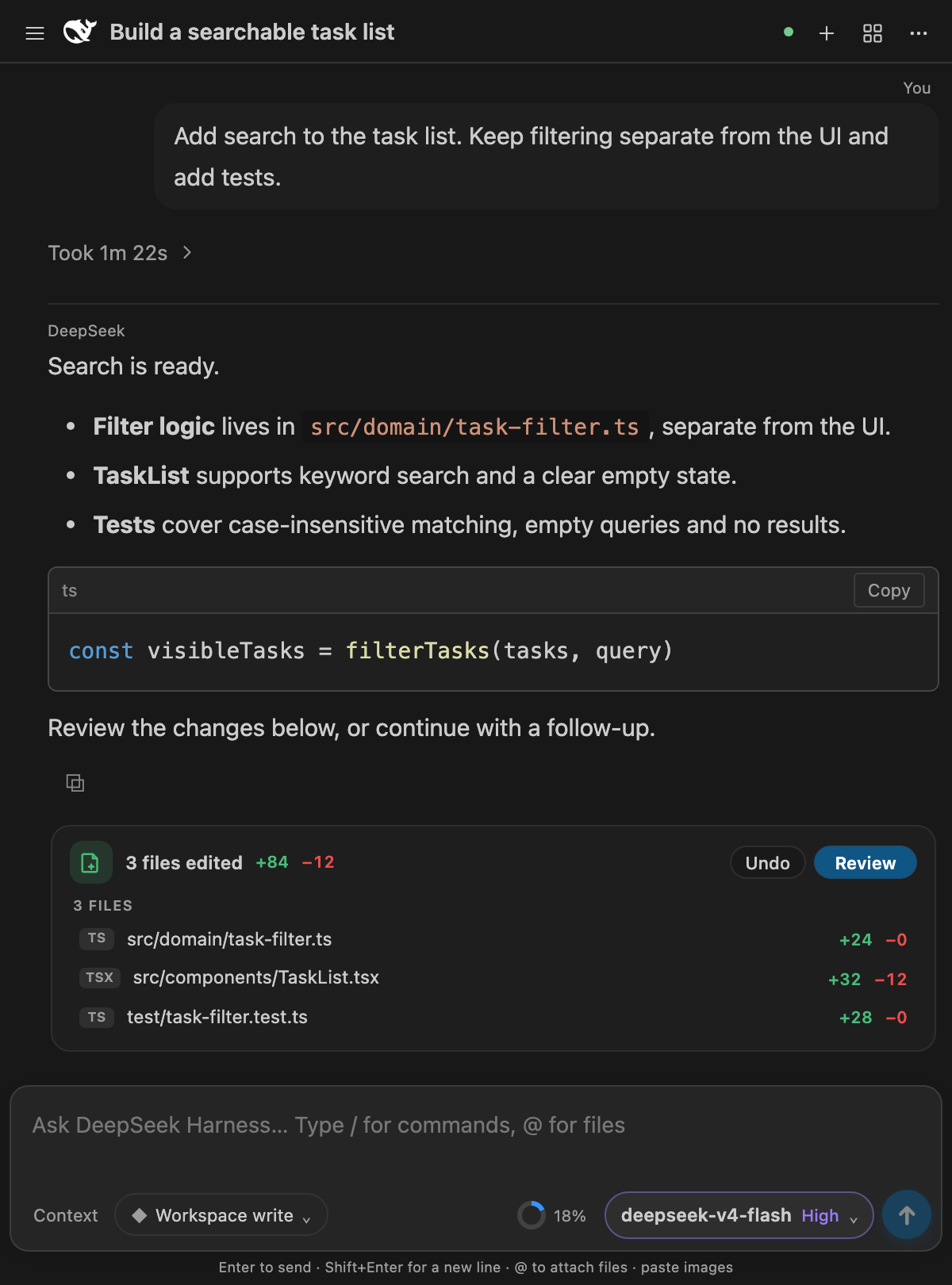
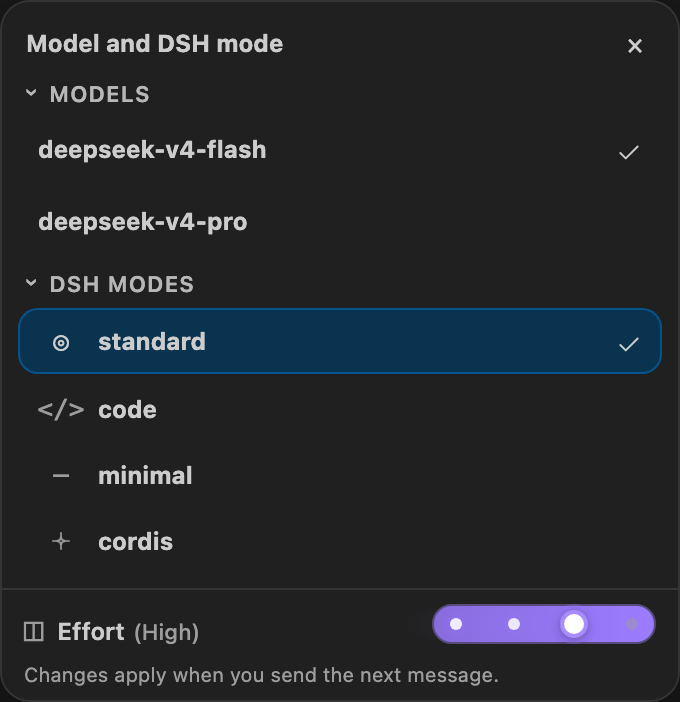
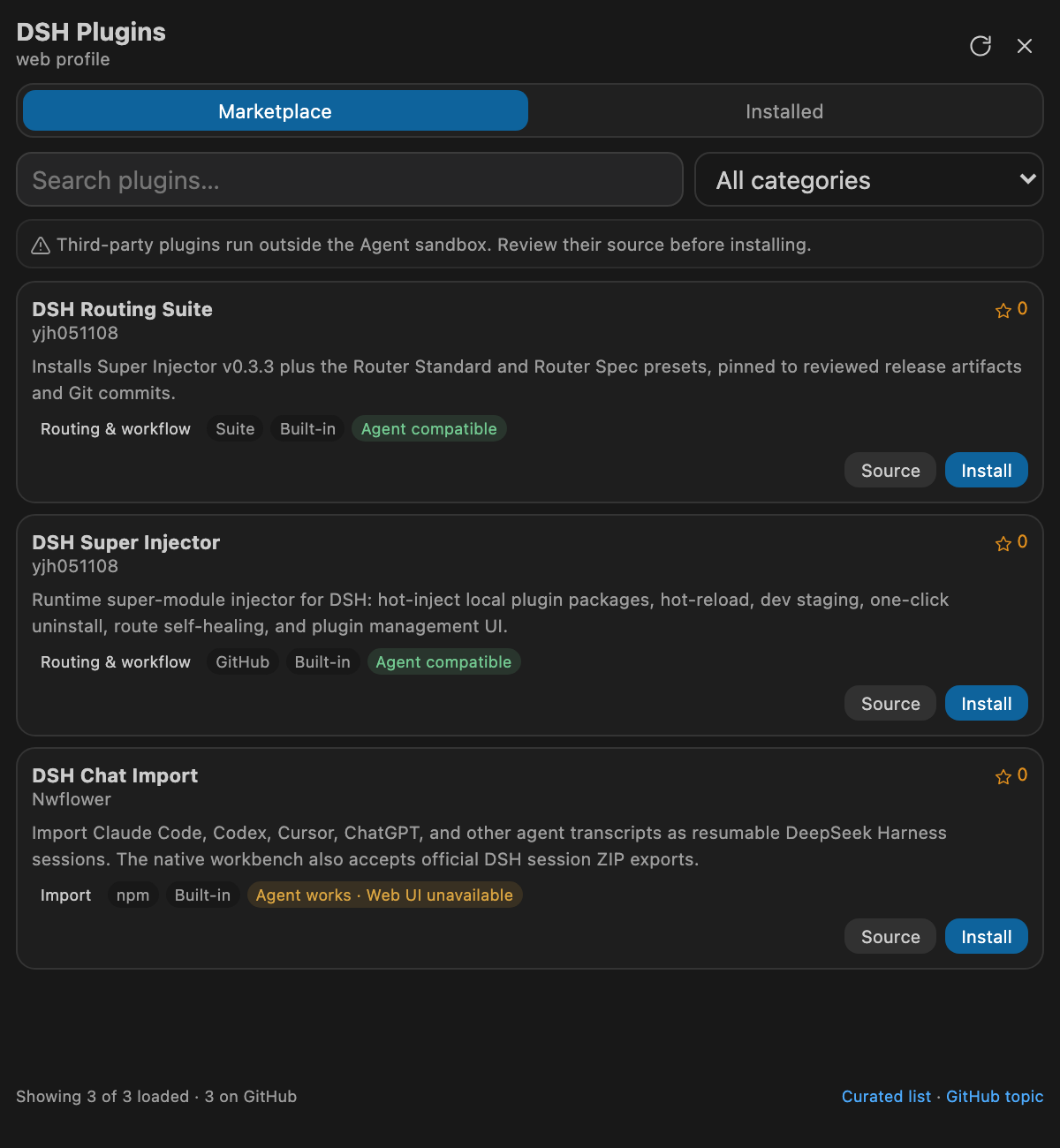
deepseek-harness for vscode .A native VS Code coding-agent extension for DeepSeek Harness. Streamlined workbench with session management, streaming Markdown, slash commands, plugin center, and zero-deployment runtime — no WebUI served, no Harness setup
项目详情摘要
DeepSeek Harness for VS Code English** | 简体中文 A native VS Code coding-agent extension powered by DeepSeek Harness. Install the platform-specific VSIX and start working—there is no upstream repository to clone, no Node/npm setup, and no local Harness deployment to manage. This is the community-maintained **0.6.1 release**. DeepSeek Harness is currently a Developer Preview, and this extension pins the official `@deepseek-ai/[email protected]` package (Typert Remote protocol). **Runtime upgrade:** Harness now uses session format V4. Supported older logs are migrated on resume into a new generation while their original files are preserved. Old runtimes cannot read the new V4 generation; back up the shared history home (default `~/.dsh`) and the private `~/.dsh/vscode/harness-home` before upgrading, and do not downgrade an active profile. Third-party plugins using the removed `ctx.agent` or runtime `Inbox` APIs need their own compatibility updates. The extension keeps its native VS Code interface rather than embedding the official Web UI. Startup uses the official runtime package resolver. Only a recognized legacy module conflict triggers one bounded backup-and-repair attempt; ordinary profile packages are no longer moved on every startup or installation. 0.6.1 release update This update connects the DSH 0.2.1 services and trims unused runtime resources: **Background jobs:** view progress, expand live output, and confirm cancellation from Context → Jobs. Output resumes after reconnects; collapsing cancels observation while live updates retain focus and scroll position. **Session management:** native pins, workspace ordering, archive/restore, and activity details before “Stop and archive.” Search includes both active and archived conversations. **Schedules:** reminder cards a
摘自项目公开 README,可能随上游仓库更新。安装方法
建议先在测试 Profile 中安装,并检查权限、安装脚本和依赖。
npx -p @deepseek-ai/dsh dsh plugin --profile web add github:skymecode/deepseek-harness-for-vscode
使用前检查
- 确认项目符合 DSH bundle 规范,而不只是相关仓库。
- 阅读许可证和安装脚本,检查网络、文件及执行权限。
- 备份配置,并确保插件能够安全卸载或回滚。