
插件介绍
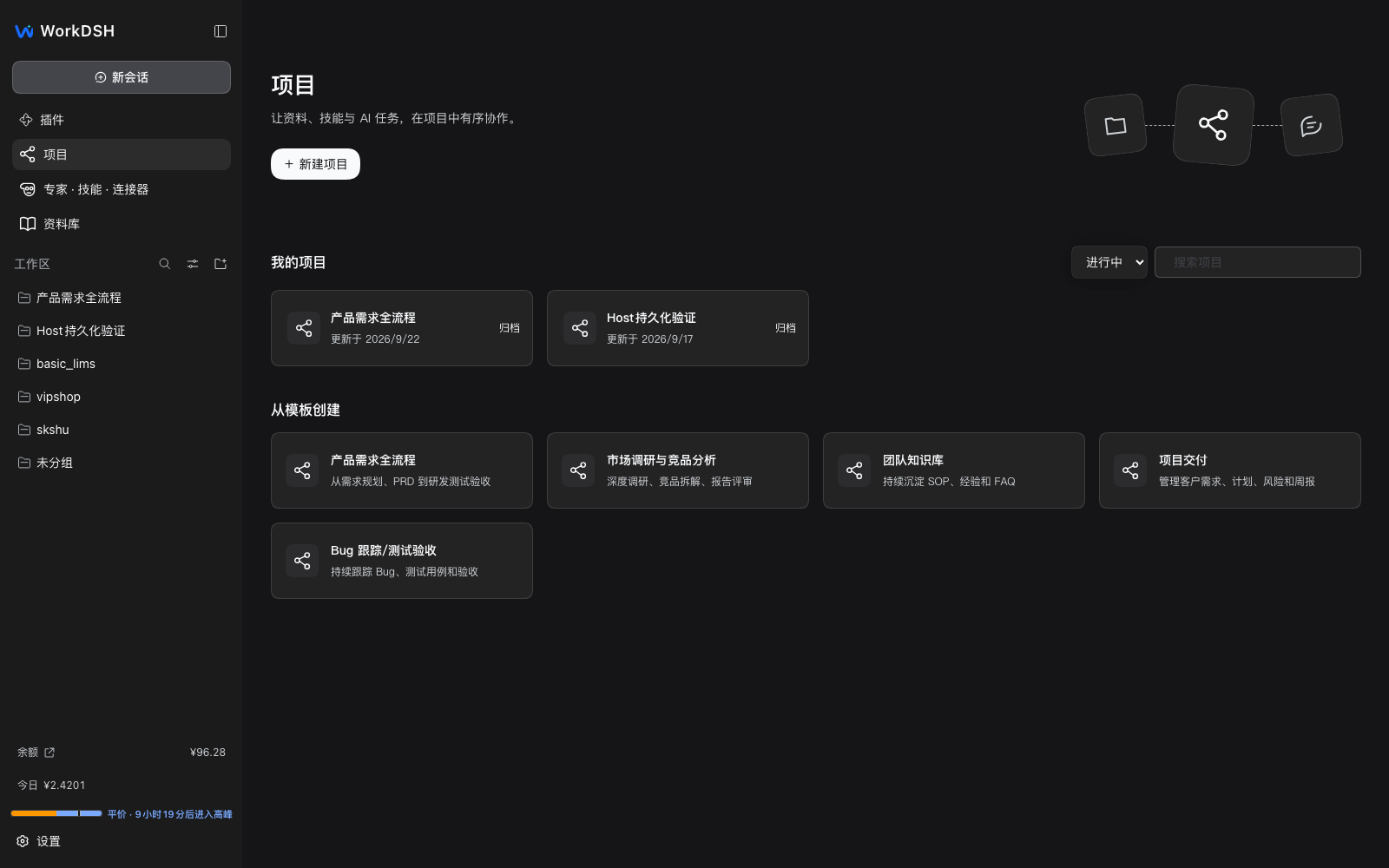
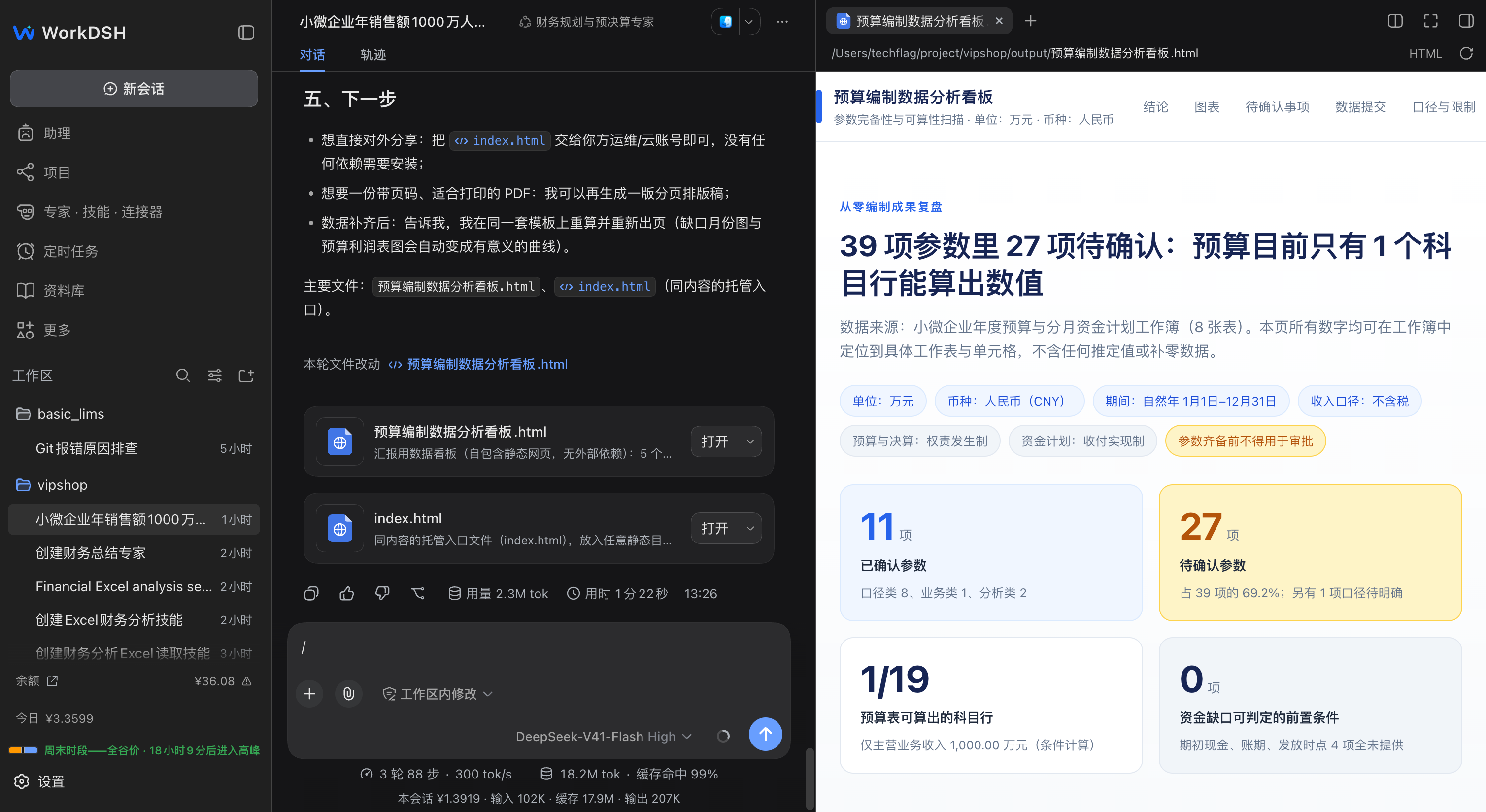
A WorkBuddy-style desktop workspace powered by the DSH plugin ecosystem. WorkDSH manages projects, assets, experts, skills and connectors locally on desktop. All features are extensible via DeepSeek Harness plugins. Local-first, open ecosystem.
项目详情摘要
WorkDSH A WorkBuddy-style workspace where skills, experts, and plugins shape new workflows. Inspired by WorkBuddy’s workflow and built on DeepSeek Harness plugins: start with personal use, then install Enterprise Connection for company models, collaboration, and colleague mentions. Download Desktop · Explore the workflow · Personal and enterprise · User guide · 简体中文 Feature requests and bug reports Help shape WorkDSH: tell us what you need, what feels awkward, or what is broken. No coding experience is required.** Feedback | Where to submit | What helps | --- | --- | --- | 🐛 Broken features, installation or UI problems | Report a bug | App version, personal/enterprise mode, reproduction steps and error screenshots. | 💡 New features or usability improvements | Request a feature | Your use case, current difficulty and desired outcome. | 🔎 Existing reports and progress | Browse Issues | Search first; add details or a reaction to an existing report. | A GitHub account is required to submit. Unsure which category fits? Start here. For backend account, permission or model-forwarding issues, report to WorkDSH Admin. **Issues are public: do not upload passwords, tokens, API keys or confidential company material.** A personal workspace with installable enterprise capabilities is a defining WorkDSH feature.** Projects, the library, experts, skills, and connectors share the same implementation. Install Enterprise Connection and sign in to share text and files with `@` colleagues and use Collaboration; add company models through model settings. Independent business plugins can also reuse member authentication through `workdshEnterprise` to call company business APIs. The enterprise plugin is **not listed in a plugin marketplace**. Download Enterprise Connection, enter the downloade
摘自项目公开 README,可能随上游仓库更新。安装方法
建议先在测试 Profile 中安装,并检查权限、安装脚本和依赖。
npx -p @deepseek-ai/dsh dsh plugin --profile web add github:techflag/workdsh
使用前检查
- 确认项目符合 DSH bundle 规范,而不只是相关仓库。
- 阅读许可证和安装脚本,检查网络、文件及执行权限。
- 备份配置,并确保插件能够安全卸载或回滚。