插件介绍
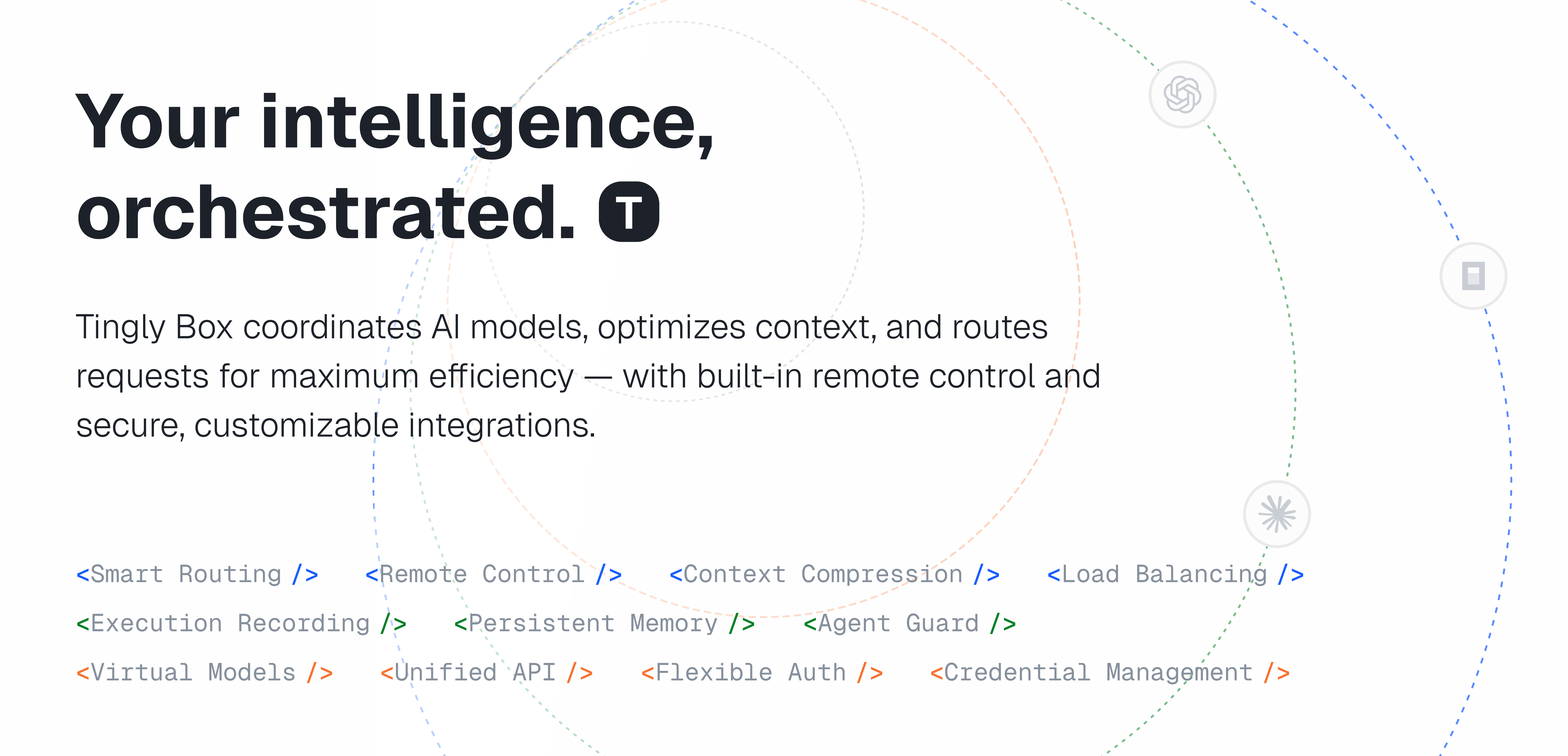
Your Intelligence, Orchestrated. Every builder. Every team. Every agent. For Everyone.
项目详情摘要
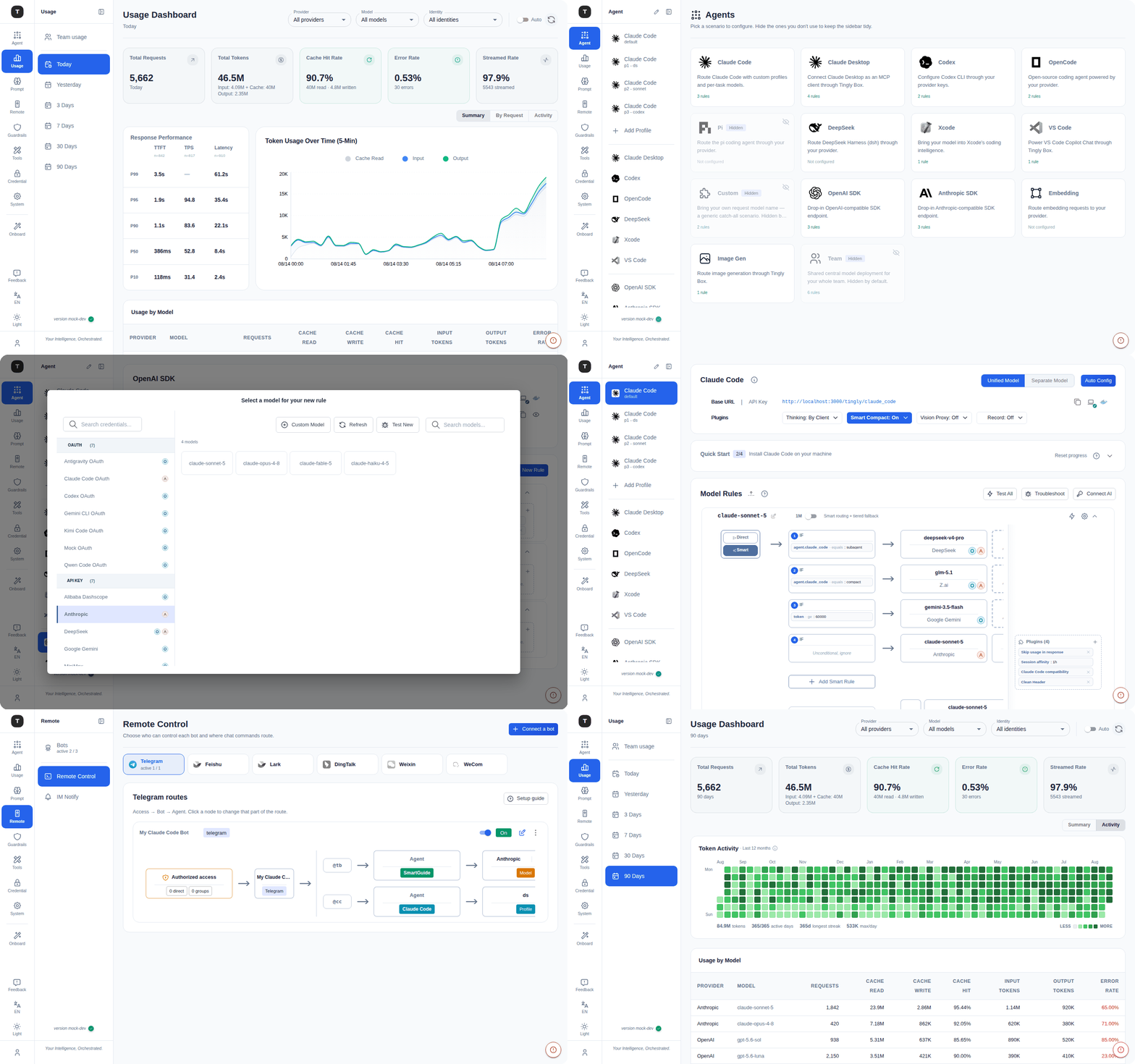
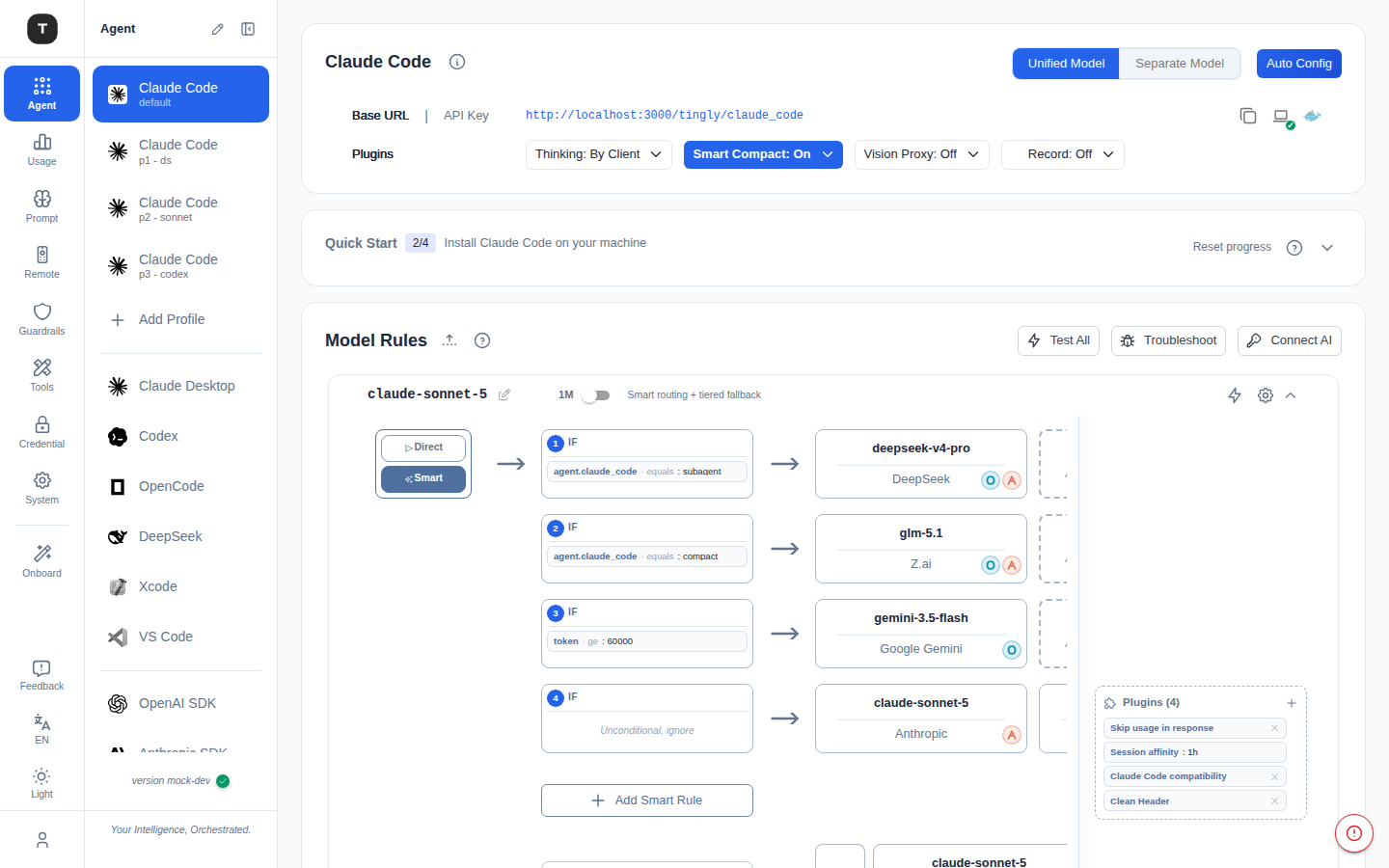
Tingly Box Quick Start • Features • Integration • Documentation • Issues Tingly Box **connects any agent to any model** — for you and your whole team, with built-in power-ups. Key Features **Any Agent ⇄ Any Model** Unified endpoint for AI — bridge any providers, with protocols translated both ways One-click config for Agents — Claude Code, OpenCode, Codex, Xcode, and more Profiles for Claude Code — switch models for different scenarios Both API keys and OAuth — use your existing quotas anywhere Smart Routing — route across models and tokens by cost, speed, or custom policies **Team AI Management** Shared team endpoint with centrally managed model rules Dedicated keys per member, with data isolated per user Per-member usage tracking **Power-ups** Guardrails, MCP Gateway, and Usage Analytics Image API — image generation and editing through the same gateway, with a built-in playground Remote Control — drive agents via Telegram, Weixin, WeCom, Feishu, Lark, and DingTalk **Production-Ready** VModel (Virtual Model) — for testing, validation, and benchmarking Harness-driven for robustness across protocols, routing, and clients UX-first visual management of providers, models, team, and remote bots Blazing fast — typically adds ** Install globally with npm (recommended) if any trouble, please check tingly-box output, or call for an issue to help. Run with npx Install Node & NPX From Docker (GitHub Host) For Docker Compose (recommended for isolated env), building your own image, or troubleshooting — see the Docker Guide. Integration Guide Agent Integration - Claude Code / Claude Desktop / OpenCode / Codex / Xcode / VSCode / OpenClaw Claude Code (support 1-click config) OpenCode (support 1-click config) Xcode (require manual config) …… Any application is ready to use. We've provid
摘自项目公开 README,可能随上游仓库更新。安装方法
建议先在测试 Profile 中安装,并检查权限、安装脚本和依赖。
npx -p @deepseek-ai/dsh dsh plugin --profile web add github:tingly-dev/tingly-box
使用前检查
- 确认项目符合 DSH bundle 规范,而不只是相关仓库。
- 阅读许可证和安装脚本,检查网络、文件及执行权限。
- 备份配置,并确保插件能够安全卸载或回滚。