插件介绍
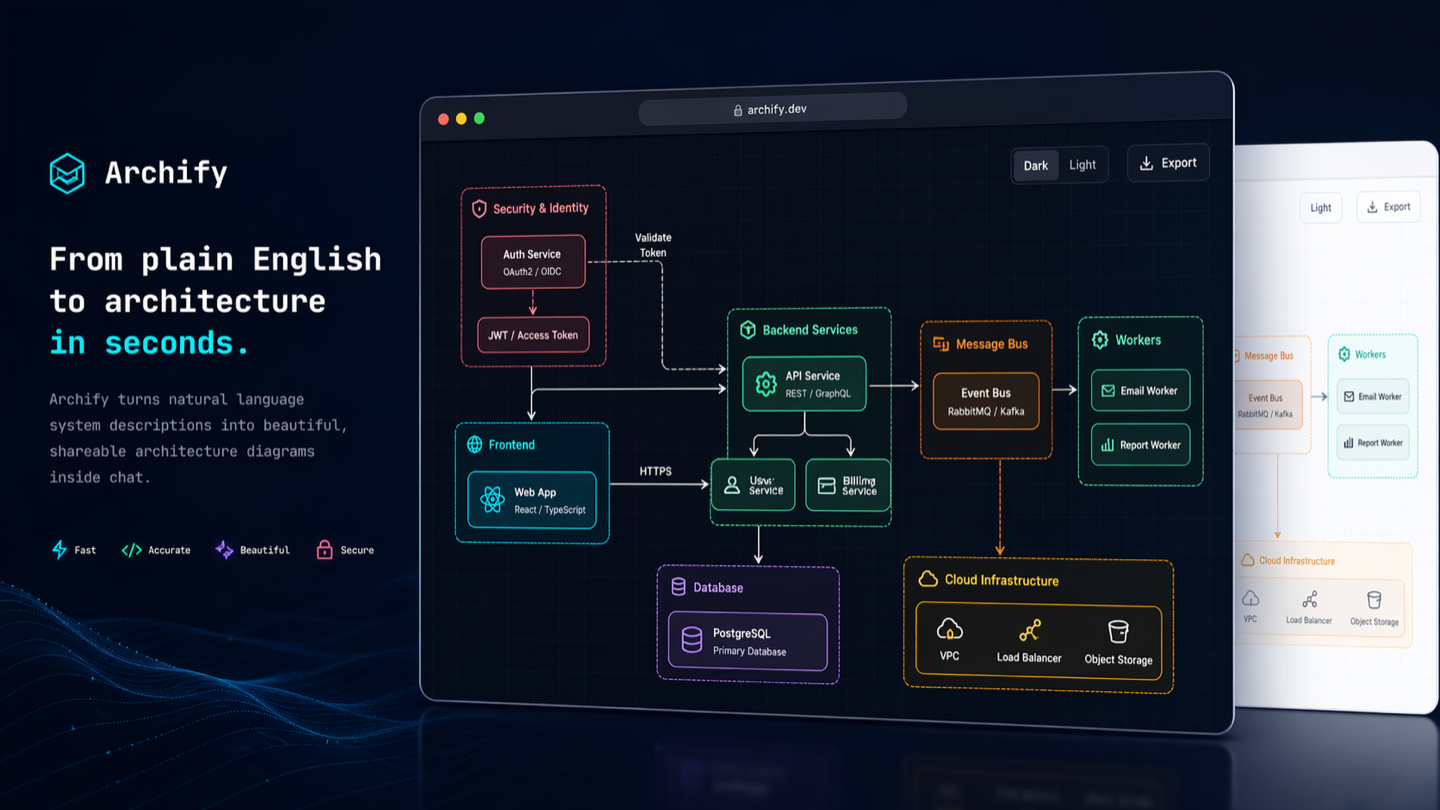
Turn any idea, plan, or codebase into a beautiful interactive diagram. An agent skill for Claude Code, Codex, and more.
项目详情摘要
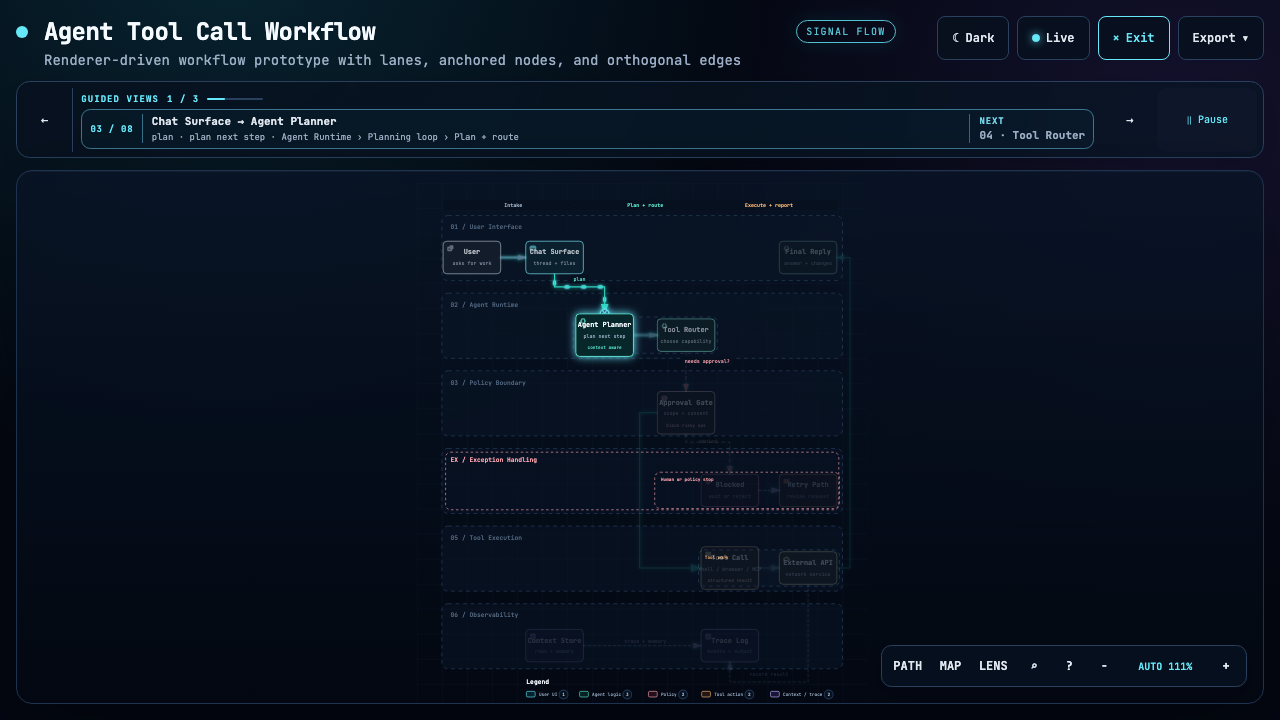
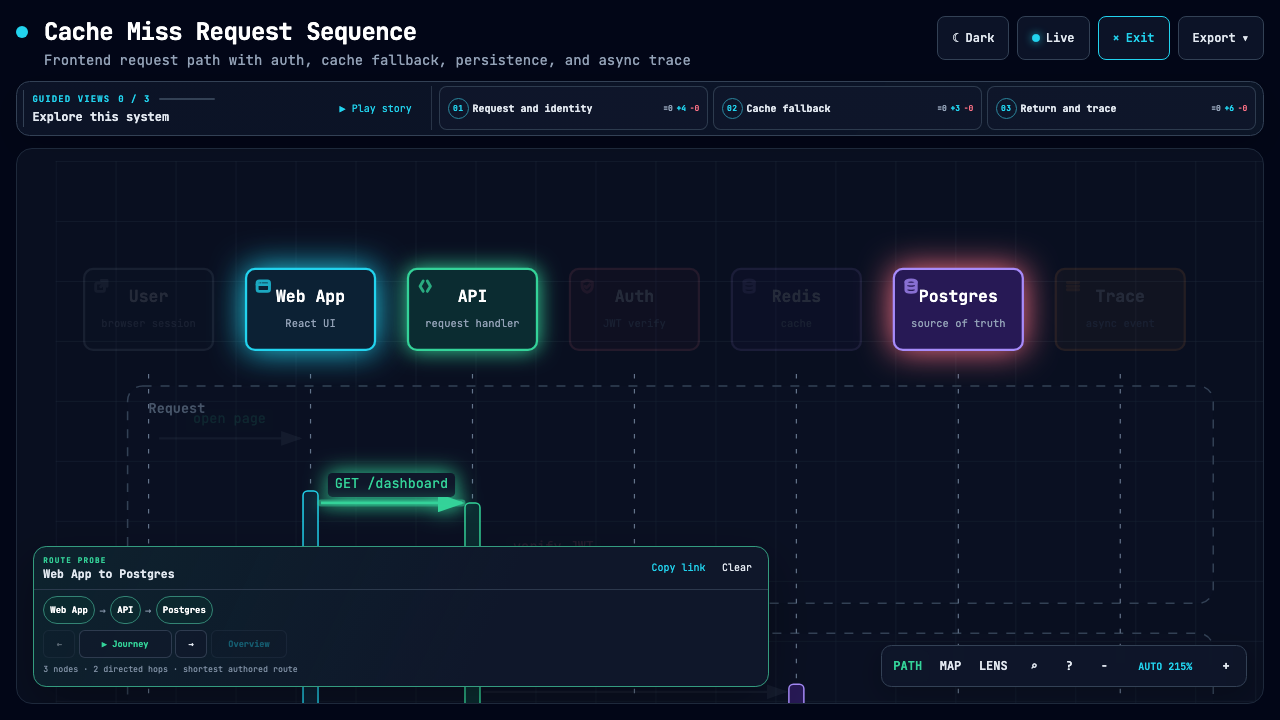
Turn anything you want to understand, plan, or share into an interactive visual. Official channels: archify.si · GitHub Archify is free and open source. Third-party online services and paid plans are operated by their respective providers and do not represent Archify. Service details → Start with an idea, a question, or a plan. Describe it to your AI agent, and Archify turns it into an interactive HTML you can explore, customize, and share. From travel itineraries and learning maps to complex systems—make it your own. See what the community is creating—and imagine what you could make next. Live demos · Get started · Scenario guide · Community · 简体中文 · 日本語 ❤️ Partners & sponsors: Kimi Work · Supercode · OpenLux See Archify in action https://github.com/user-attachments/assets/78570807-ba1d-4737-953f-55504a378a87 One sentence. Your repo, mapped.** Watch the 35-second demo: explore the diagram, follow source links, and trace a path. Try the interactive examples ↗ Install, then describe your idea Works with Cursor, Claude Code, Codex CLI, and OpenCode. See installation options below for additional integrations. Send this to your agent: Then continue: “Add authentication”, “Highlight the cache-miss path”, or “Switch to the light theme”. No repository is required:** start with a description, or ask your agent to read a repository for a source-backed architecture diagram. Choose your agent · Installation details and update checks ❤️ Sponsors Archify × Kimi Work.** Find Archify in the Kimi Work plugin store as **Interactive Architecture Diagram**. Describe your system in one sentence to create an interactive diagram. **Try it in Kimi Work →** supercode.sh Supercode sponsors Archify and enhances Codex and Cursor with tok
摘自项目公开 README,可能随上游仓库更新。安装方法
建议先在测试 Profile 中安装,并检查权限、安装脚本和依赖。
npx -p @deepseek-ai/dsh dsh plugin --profile web add github:tt-a1i/archify
使用前检查
- 确认项目符合 DSH bundle 规范,而不只是相关仓库。
- 阅读许可证和安装脚本,检查网络、文件及执行权限。
- 备份配置,并确保插件能够安全卸载或回滚。