插件介绍
Just open your browser — get all your work done.
项目详情摘要
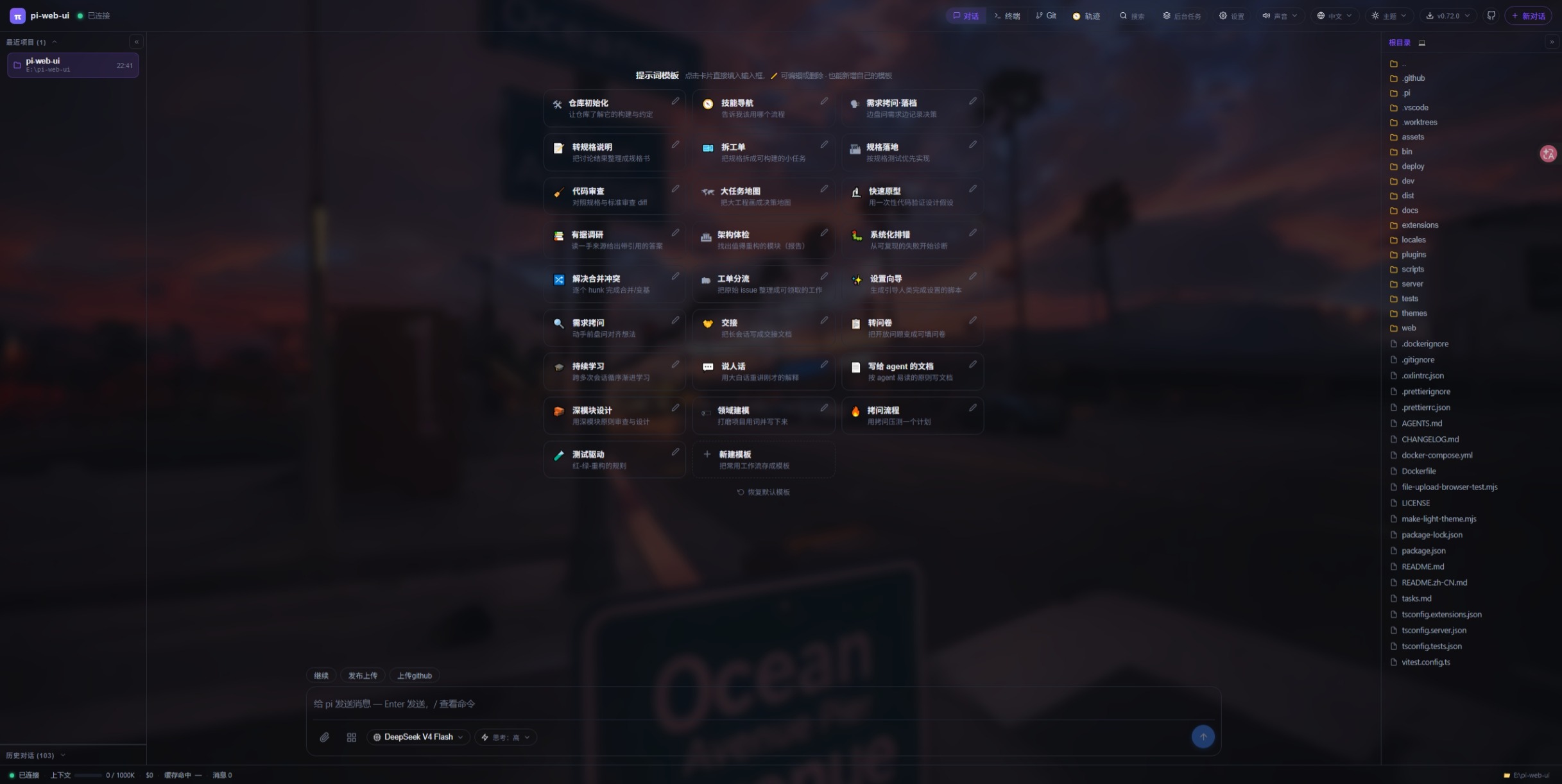
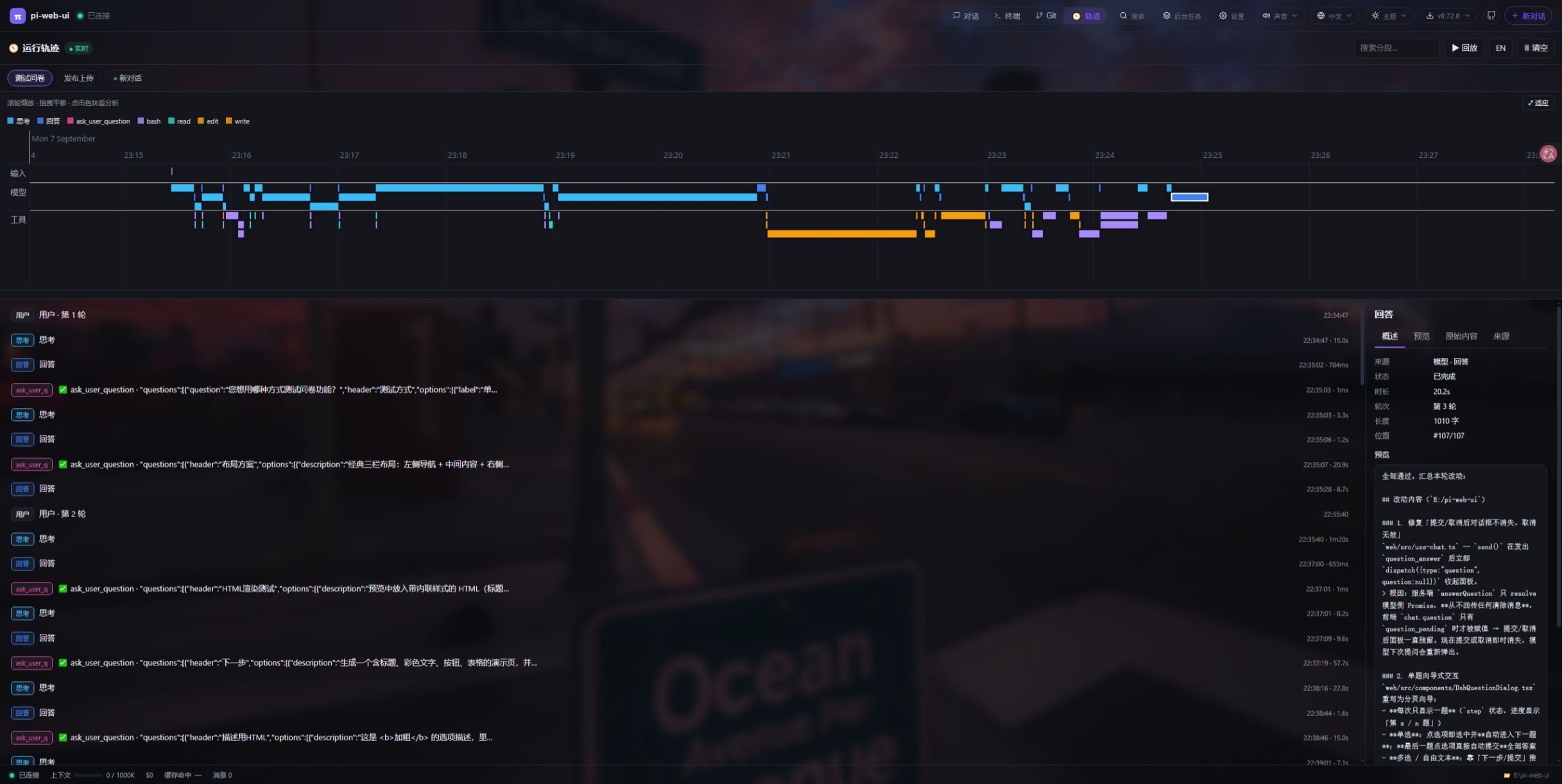
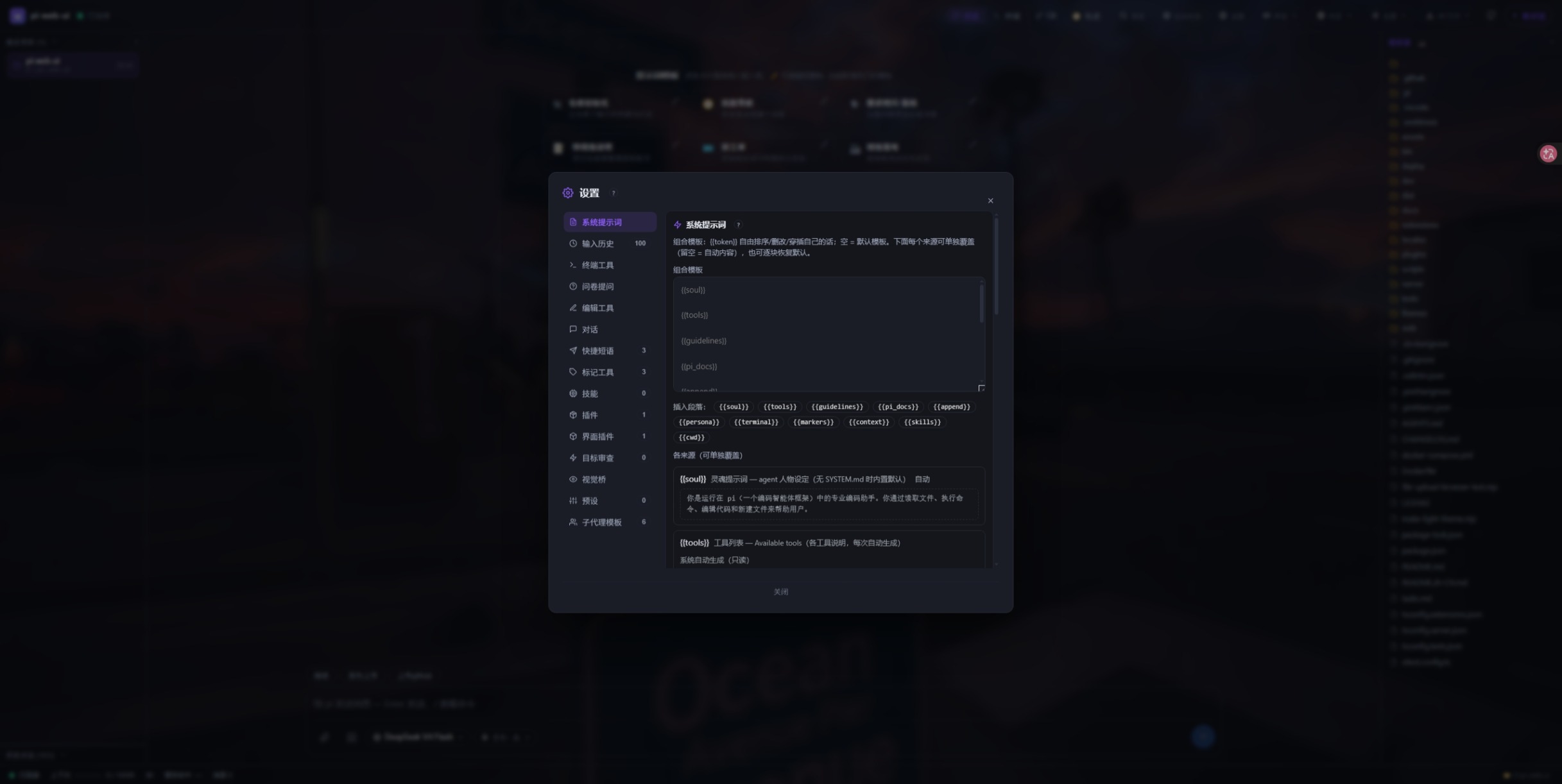
💬 pi-web-ui English** | 简体中文 _Just open your browser — get all your work done._ Chat, code, review, manage files, use the terminal — all in one browser tab. No IDE, no terminal app, no context-switching. A browser cockpit for AI coding agents (pi / DSH) built around one idea: you only need a browser to get everything done.** The agent runs server-side and streams events to the browser over WebSocket: thinking blocks, tool calls, file trees, a built-in terminal, model management, theme switching, and a full settings panel — tuned for daily development. **Requirements** — Node.js ≥ 22.19 and a configured pi install. More from the author **Building with DSH?** **dsh-ui-tools** is the author's companion project for building and extending UI tools in the DSH ecosystem. QQ群 1126050727 ✨ Highlights 💬 **Chat that works like you do** | 🖼️ **Files & images** | 🧩 **Extensible by design** | 🔒 **Private by default** | ----------------------------------------------------------------------------------------------------------------- | --------------------------------------------------------------------------------------------------- | ------------------------------------------------------------------------------------------------------------- | -------------------------------------------------------------------------------- | Streaming replies, steer & follow-up queueing, slash commands, multiple conversations per project, edit-&-re-ask. | Attach files, paste images, ask about pictures (vision bridge), preview anything with GBK fallback. | Drop-in UI **plugins** (extra top-bar tabs + agent tools) and standalone **themes** — no rebuild, no restart. | Loopback-only, credential-safe: provider keys & headers never reach the browser. | 📚 Table of Contents 🚀 Features ⌨️ Keyboard shortcuts 🖼️
摘自项目公开 README,可能随上游仓库更新。安装方法
建议先在测试 Profile 中安装,并检查权限、安装脚本和依赖。
npx -p @deepseek-ai/dsh dsh plugin --profile web add github:xing-shuyin/pi-web-ui
使用前检查
- 确认项目符合 DSH bundle 规范,而不只是相关仓库。
- 阅读许可证和安装脚本,检查网络、文件及执行权限。
- 备份配置,并确保插件能够安全卸载或回滚。